
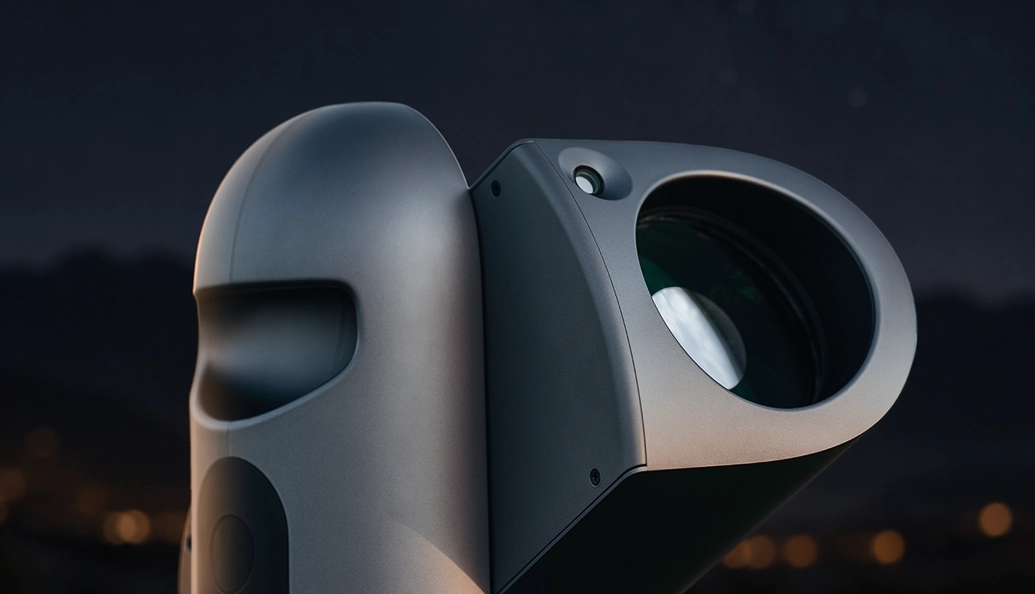
90mm Aperture
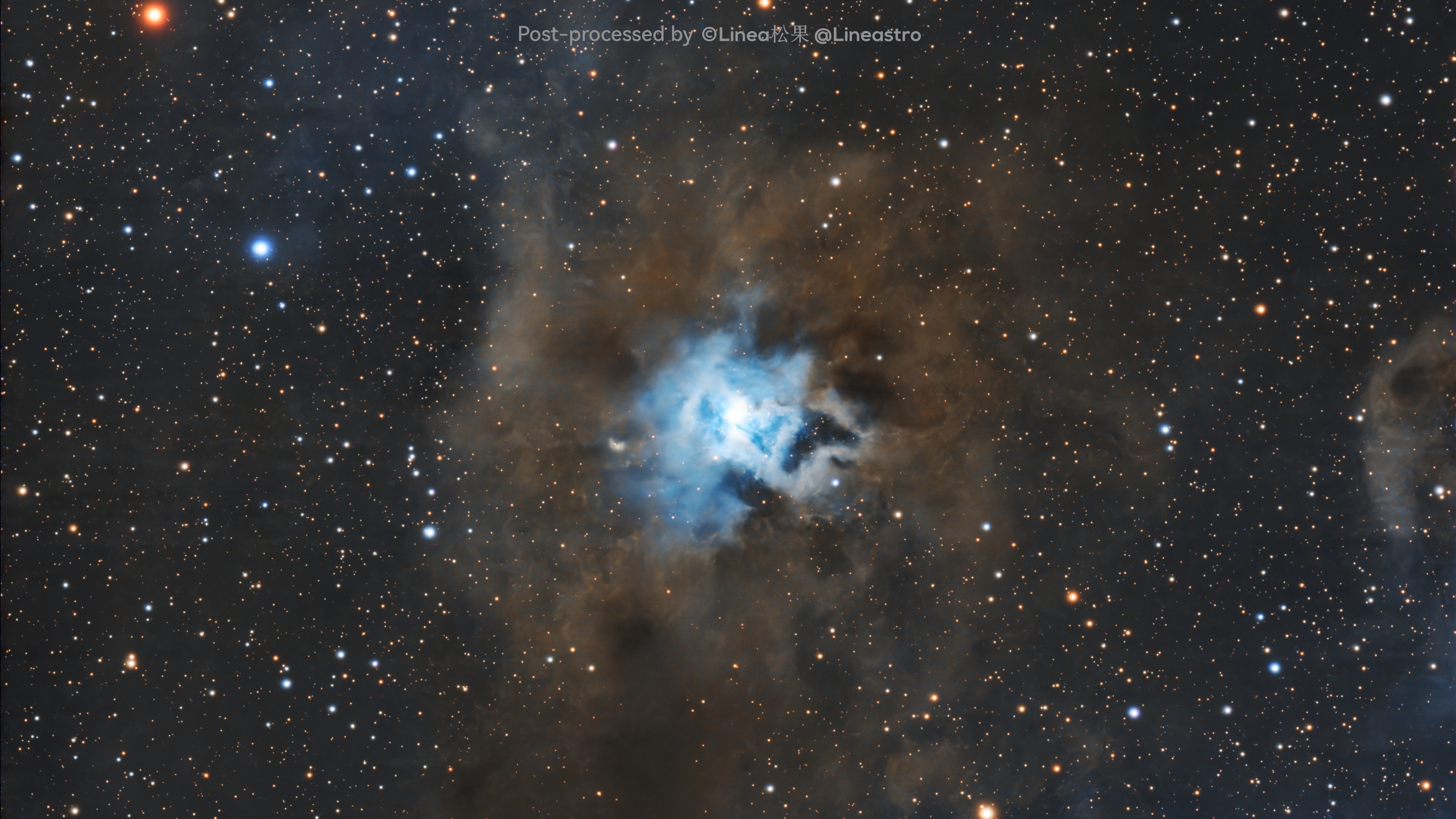
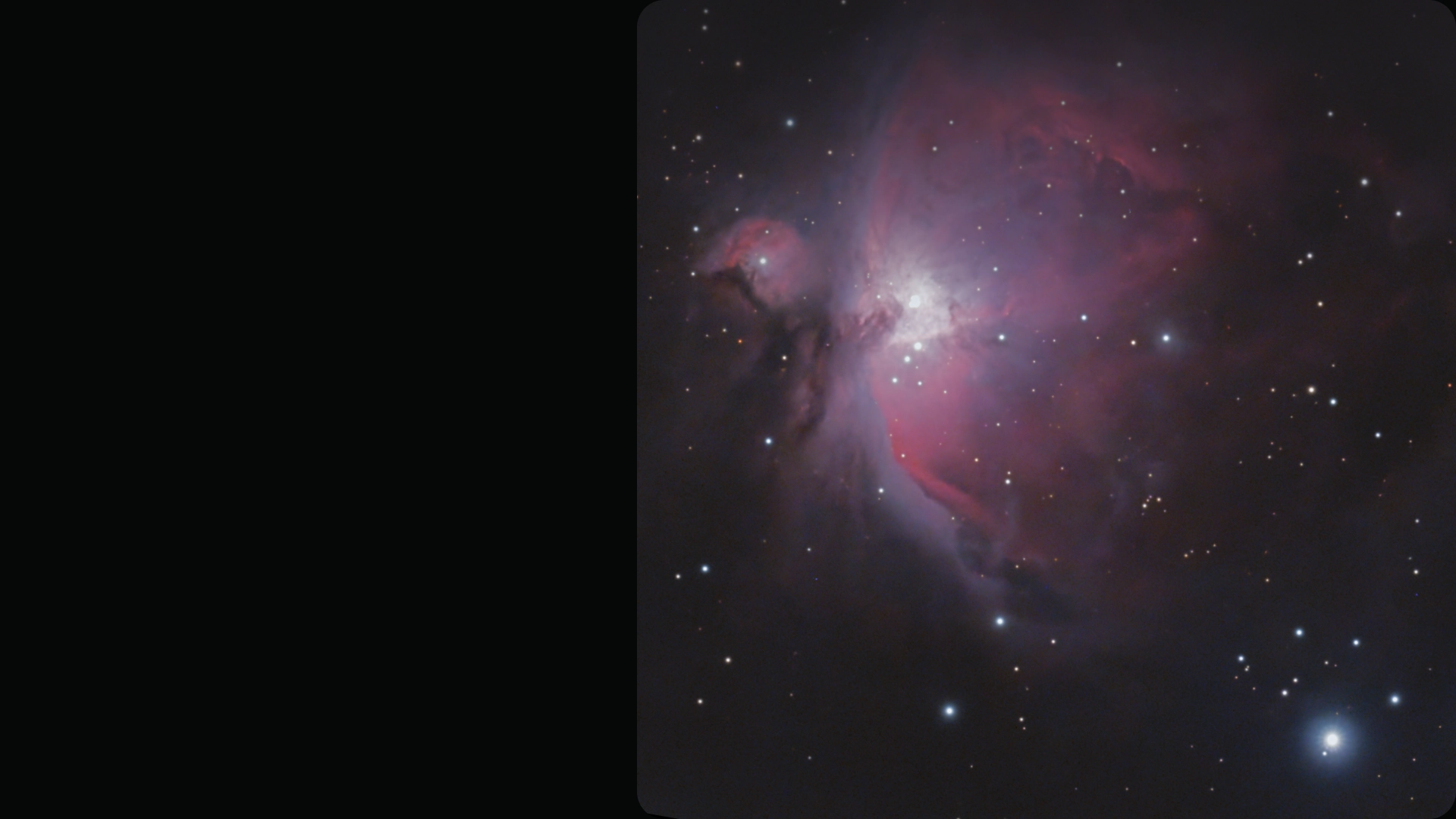
Collect more light to reveal faint structures and fine detail in nebulae and galaxies.
AED 8,999.00 AED 8,999.00
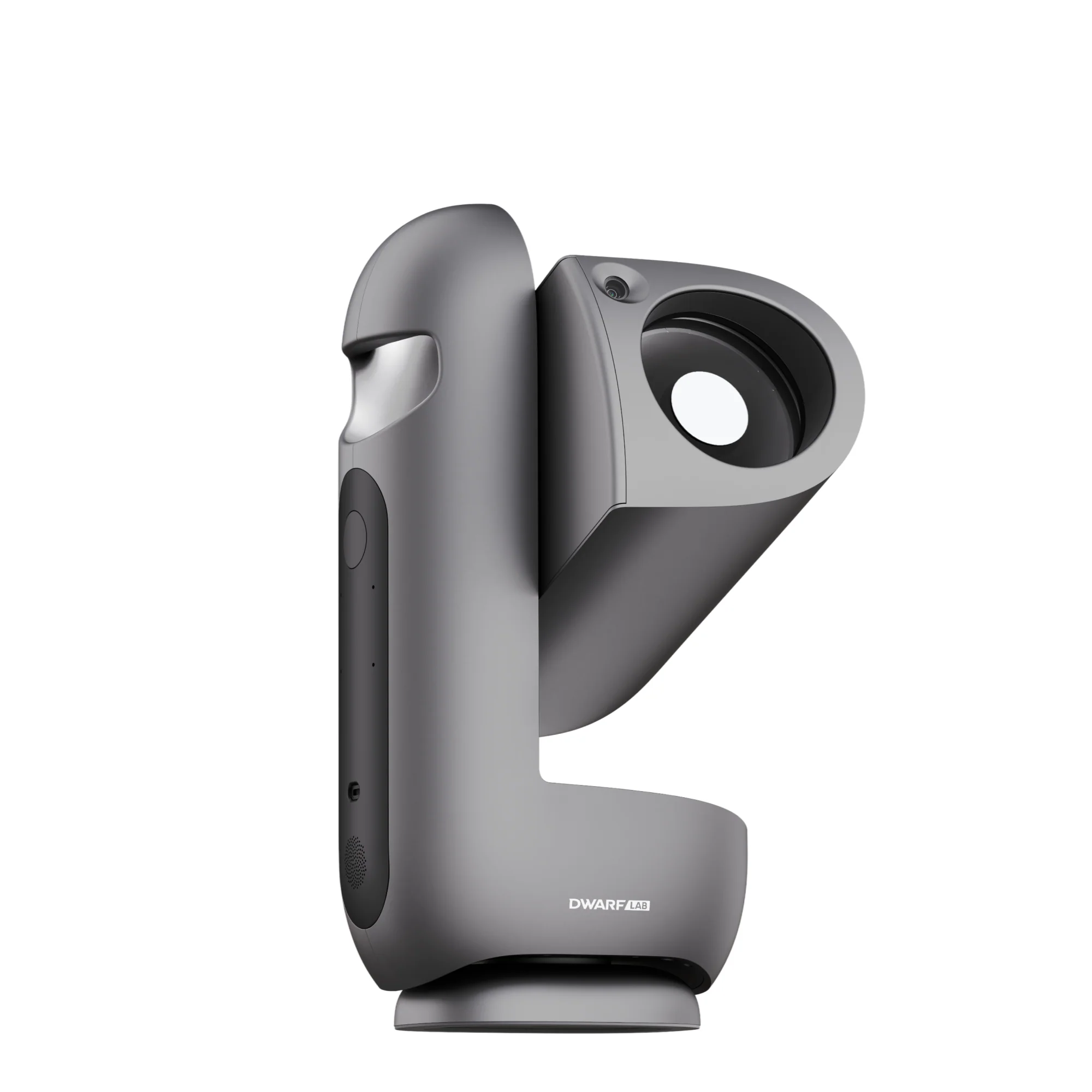
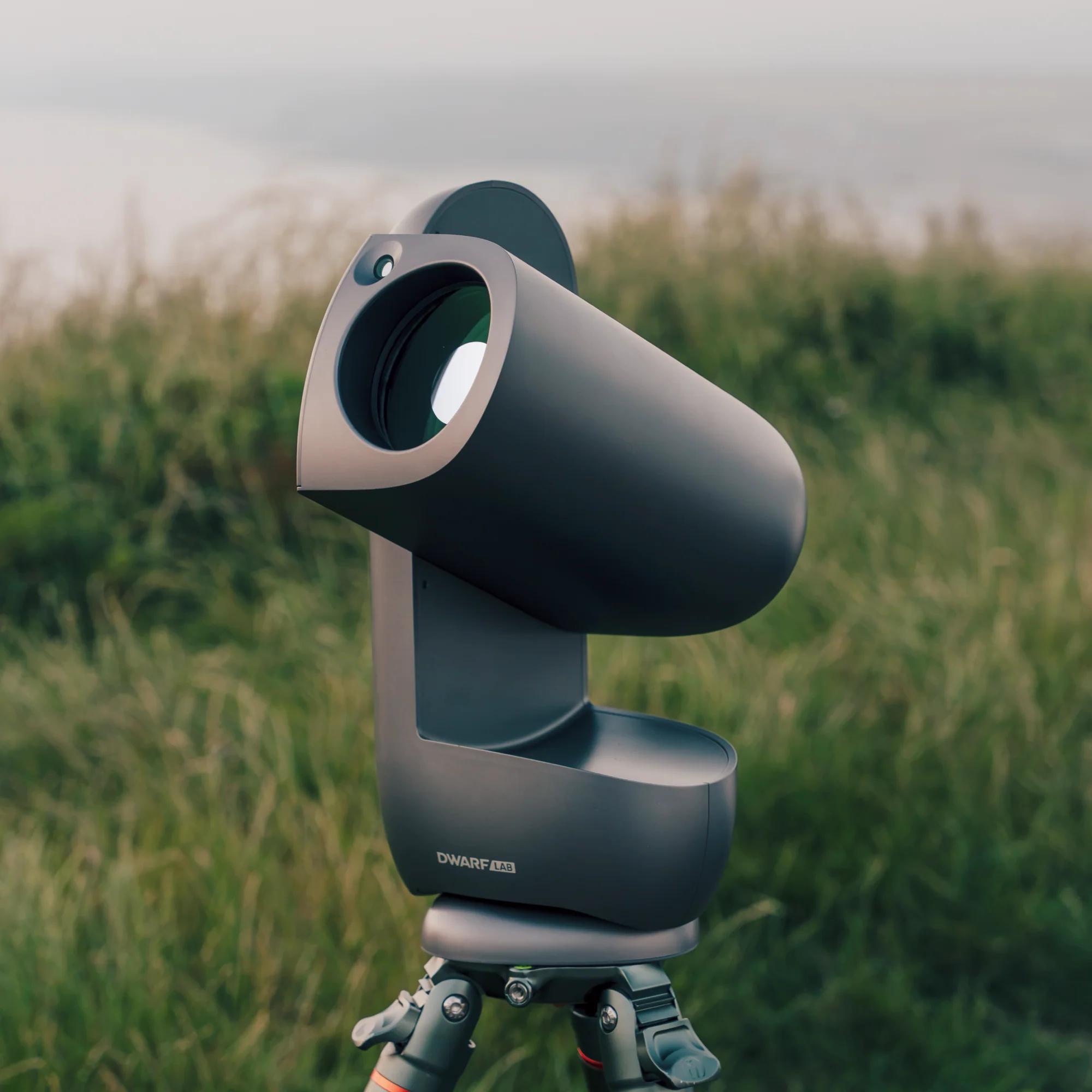
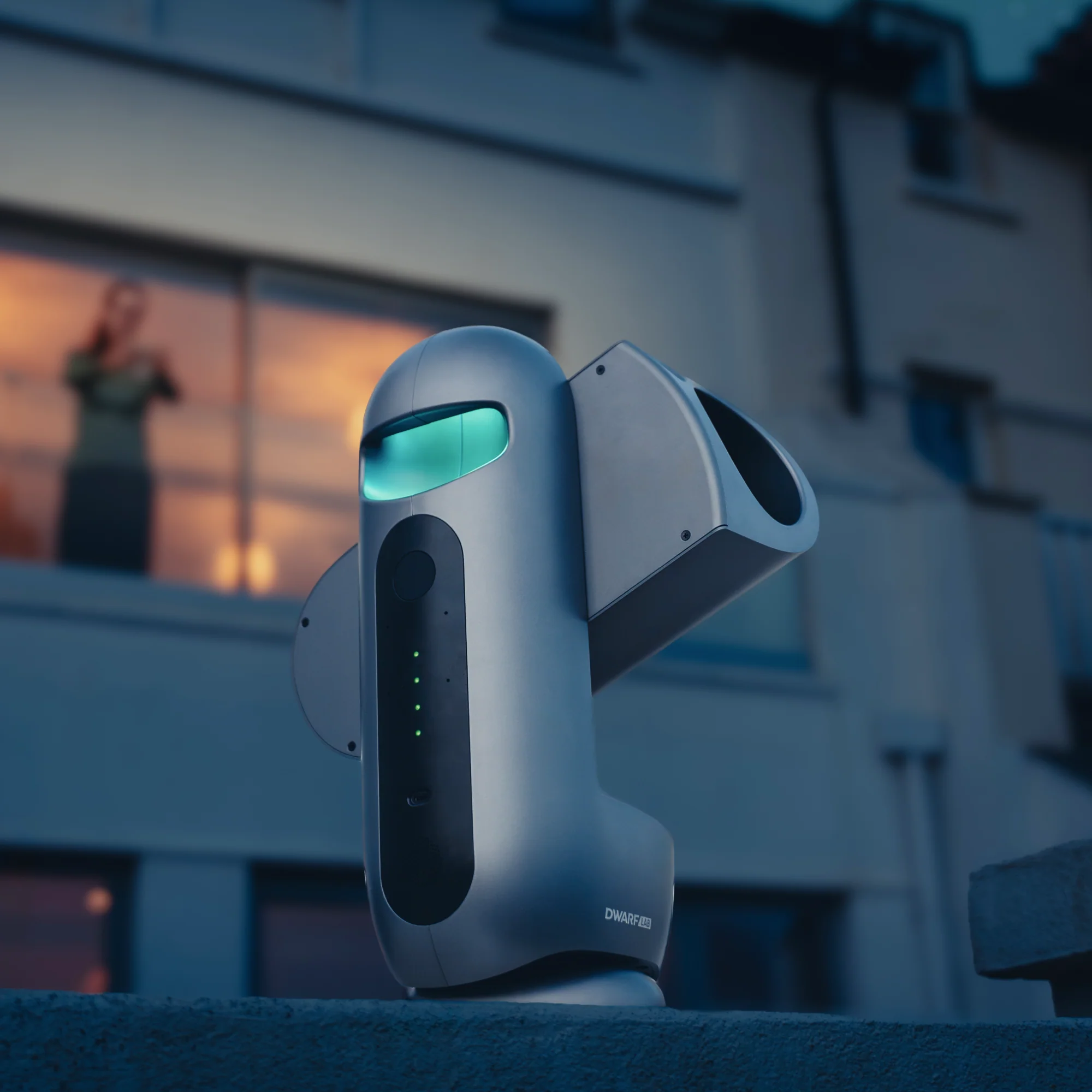
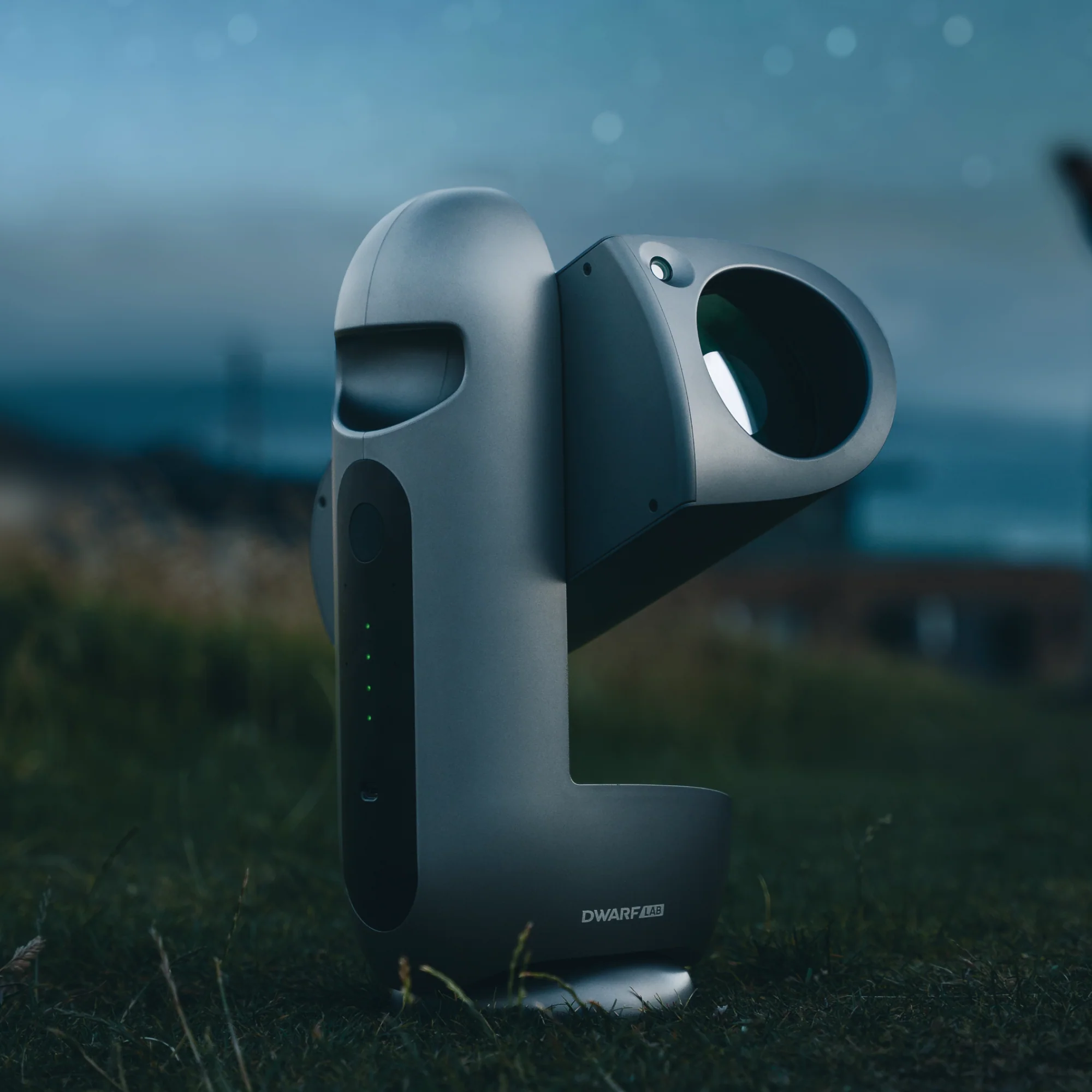
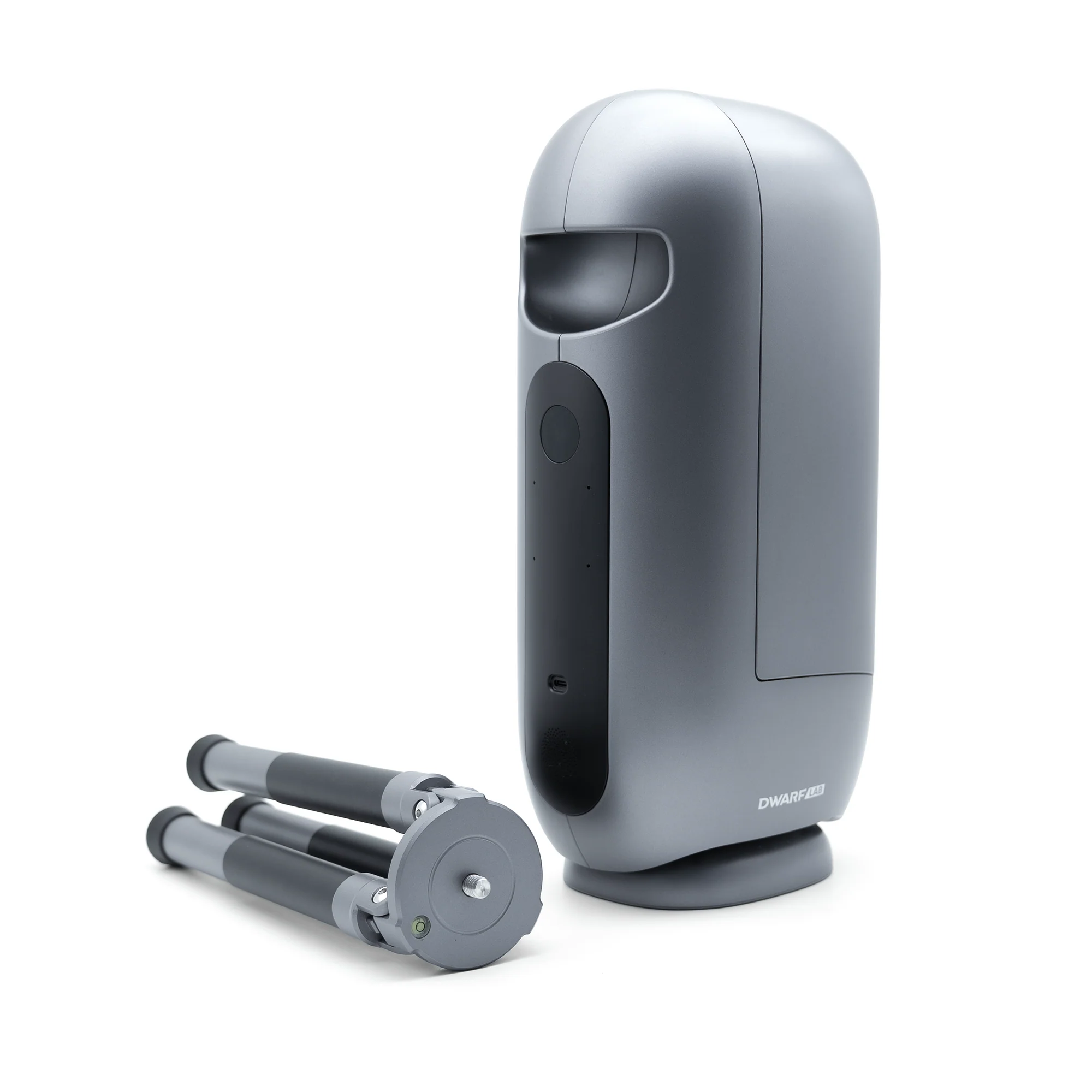
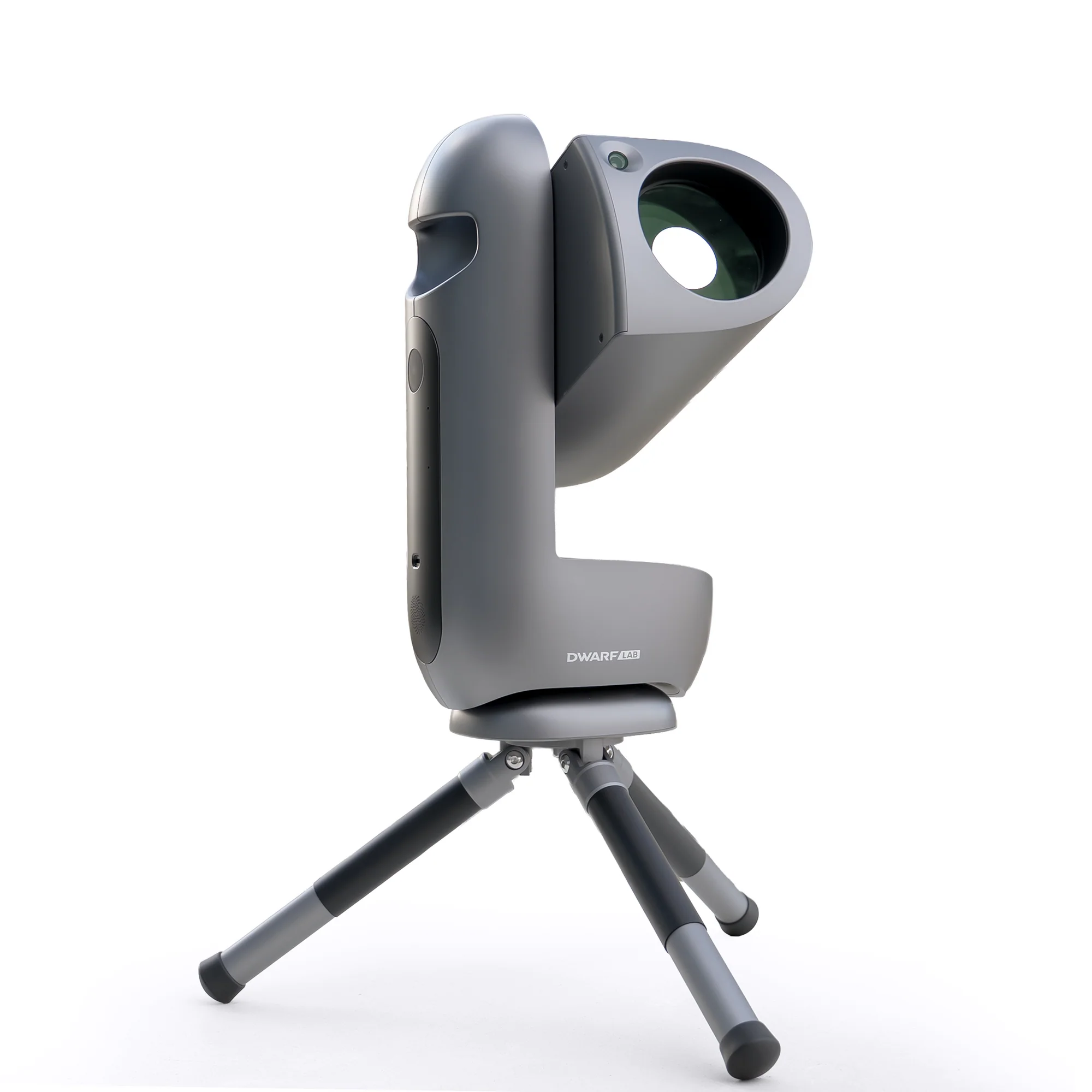
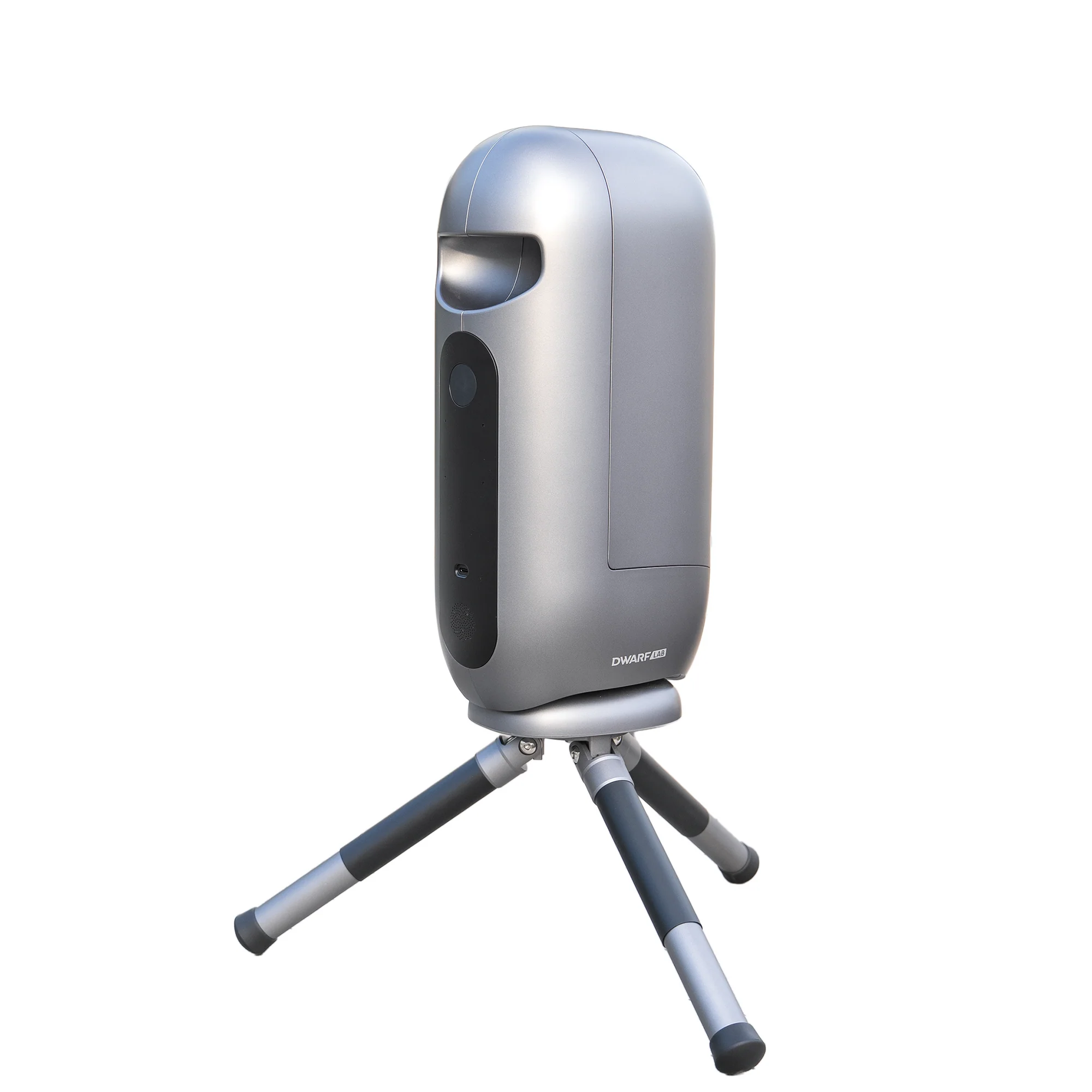
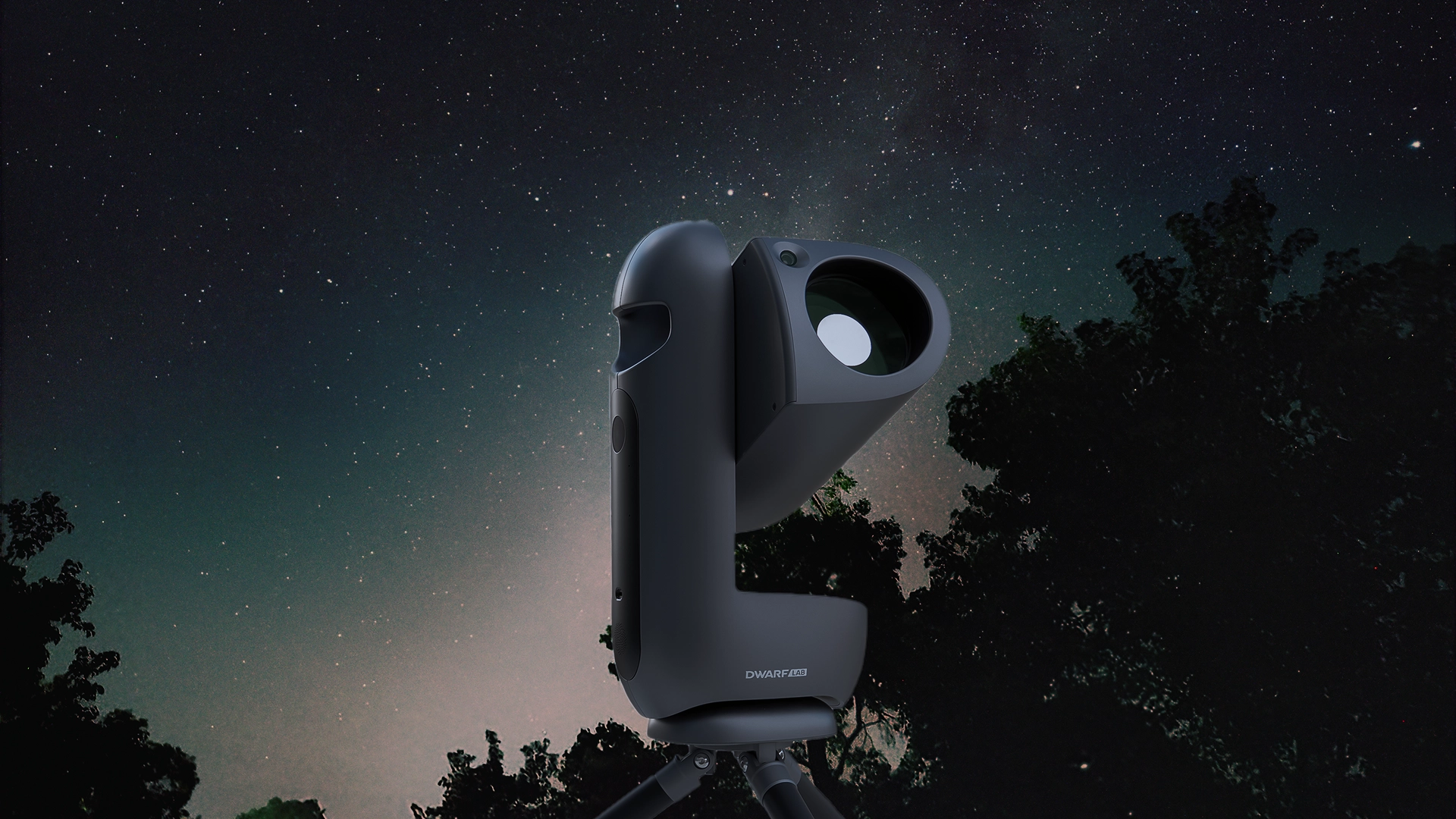
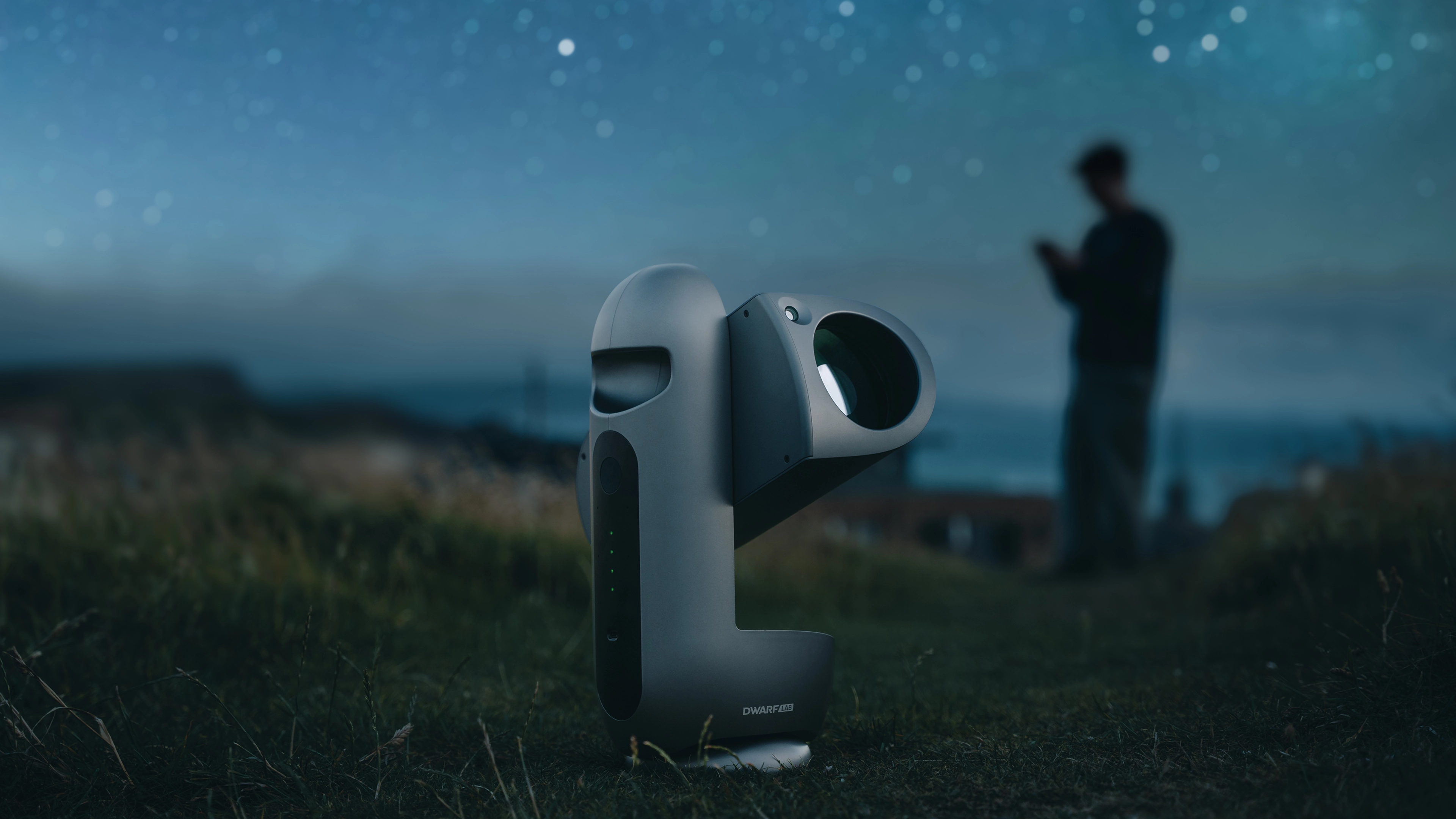
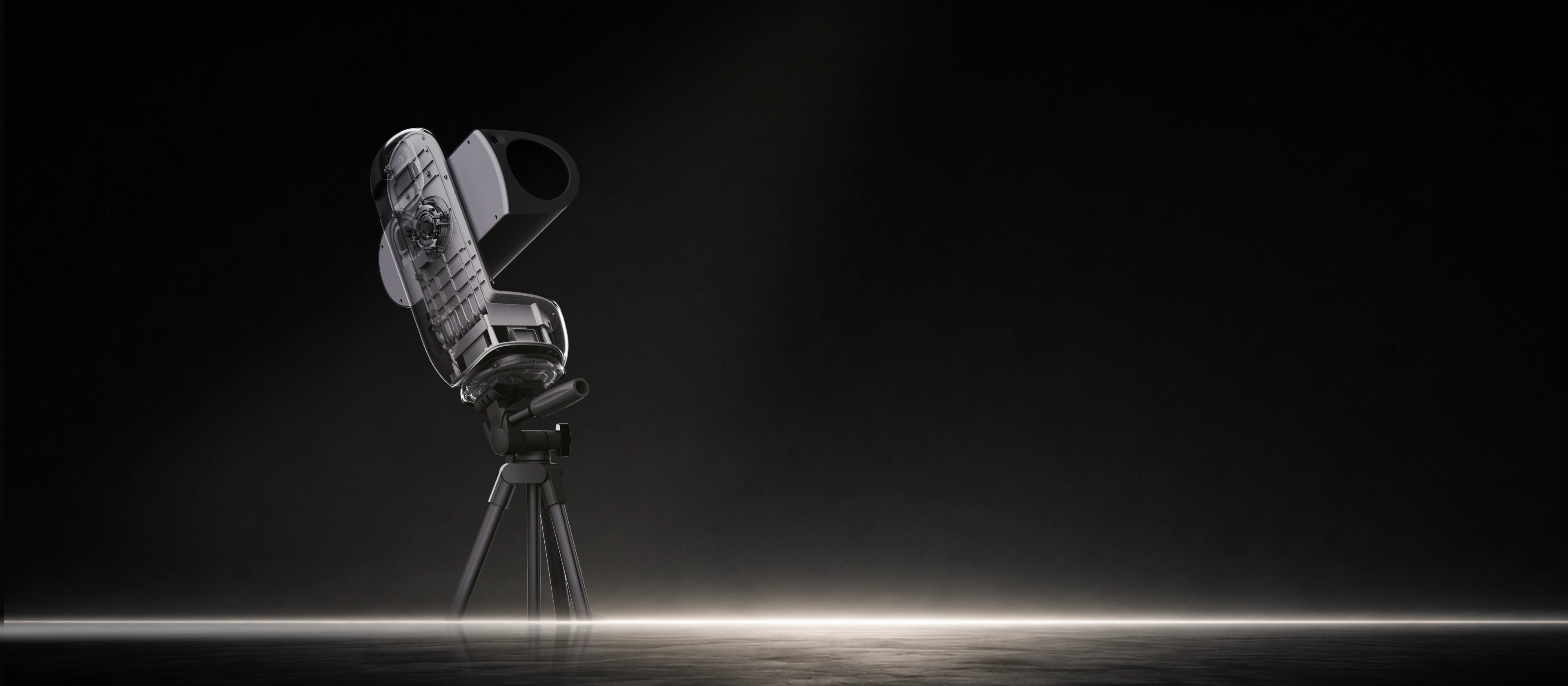
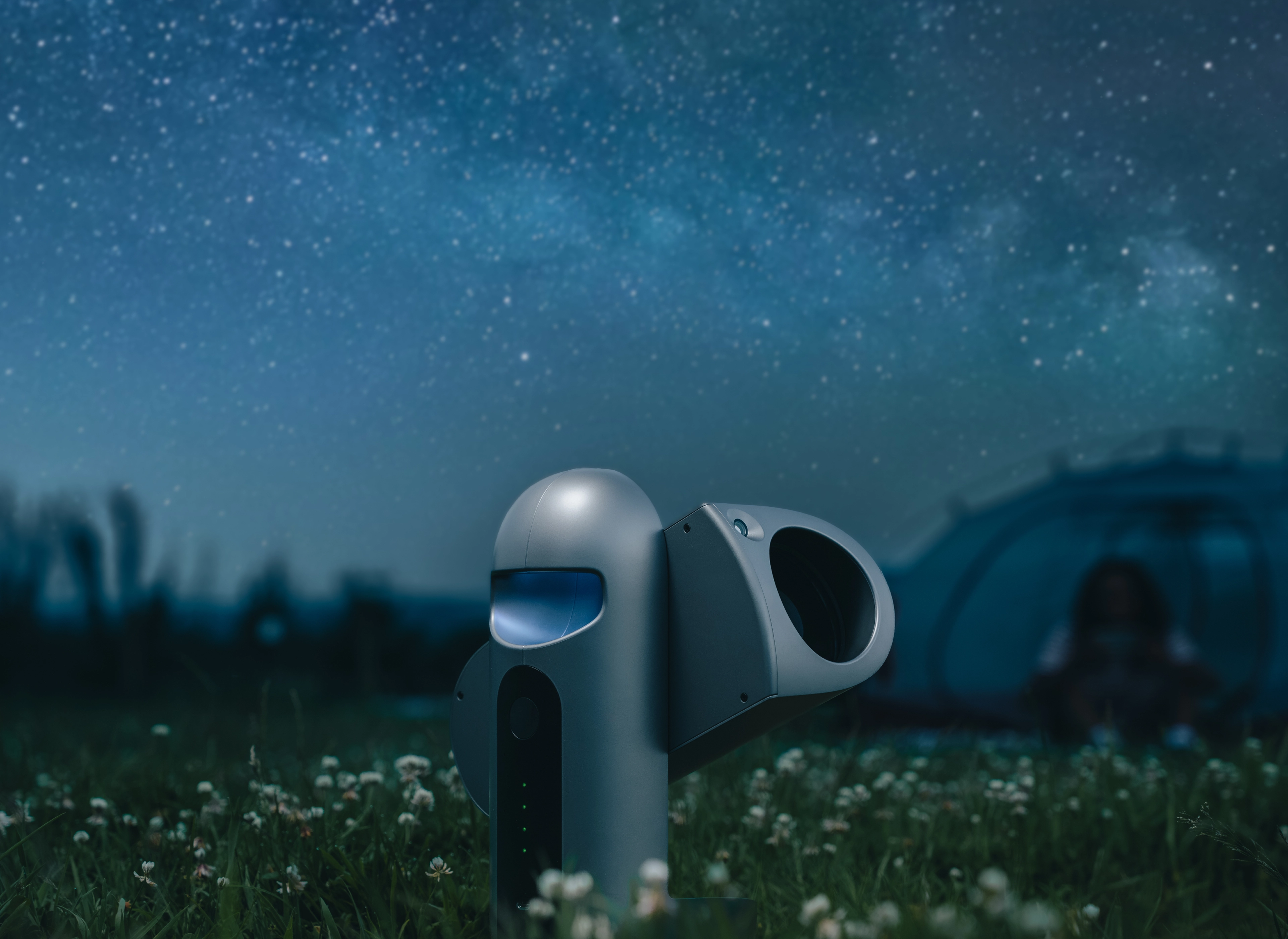
Draco is DWARFLAB's latest high-end smart telescope — a fully integrated imaging system that brings observatory-grade deep-sky capability to a portable, travel-ready body.
Collect more light to reveal faint structures and fine detail in nebulae and galaxies.
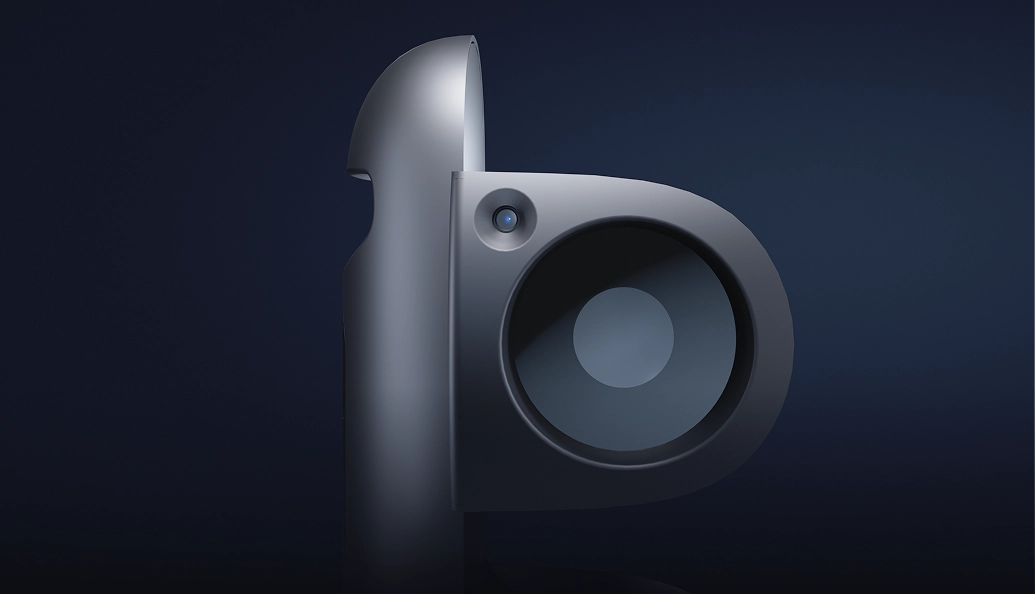
Capture close-up celestial details and sweeping night-sky views at the same time.
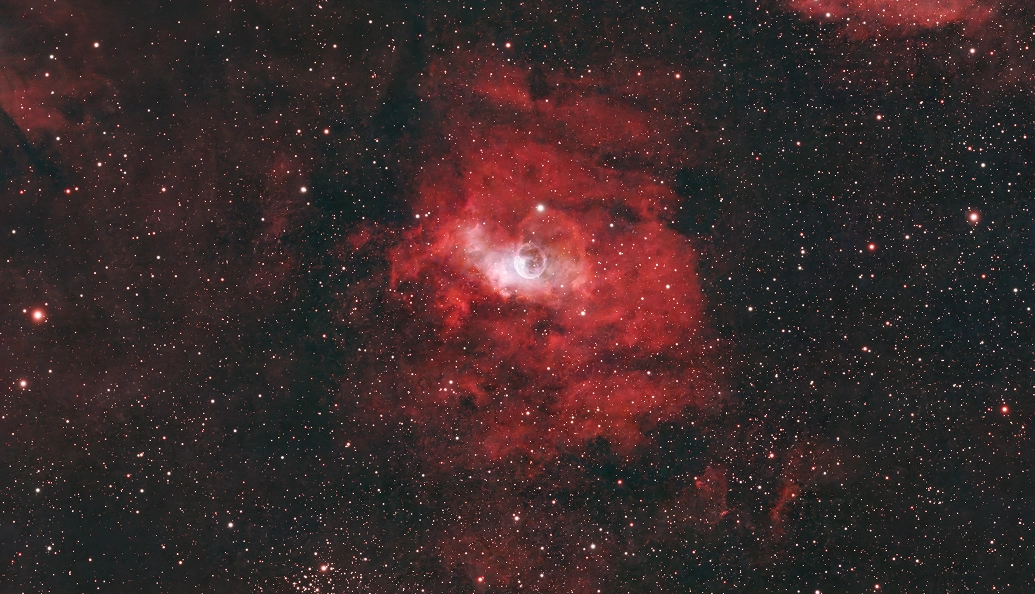
Built-in guiding keeps stars sharp and tracking steady during single-frame exposures of up to 300 seconds.
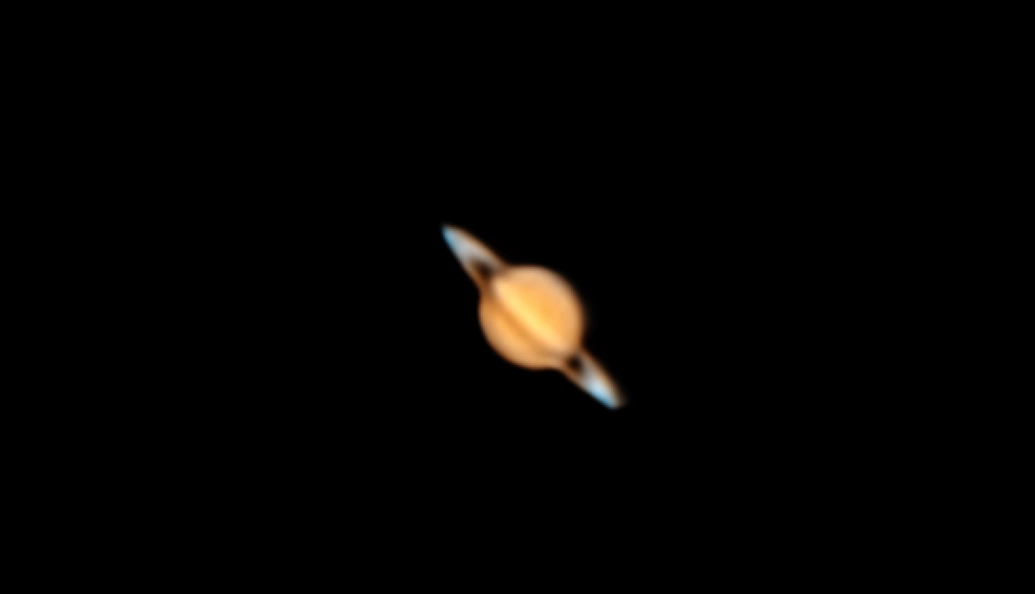
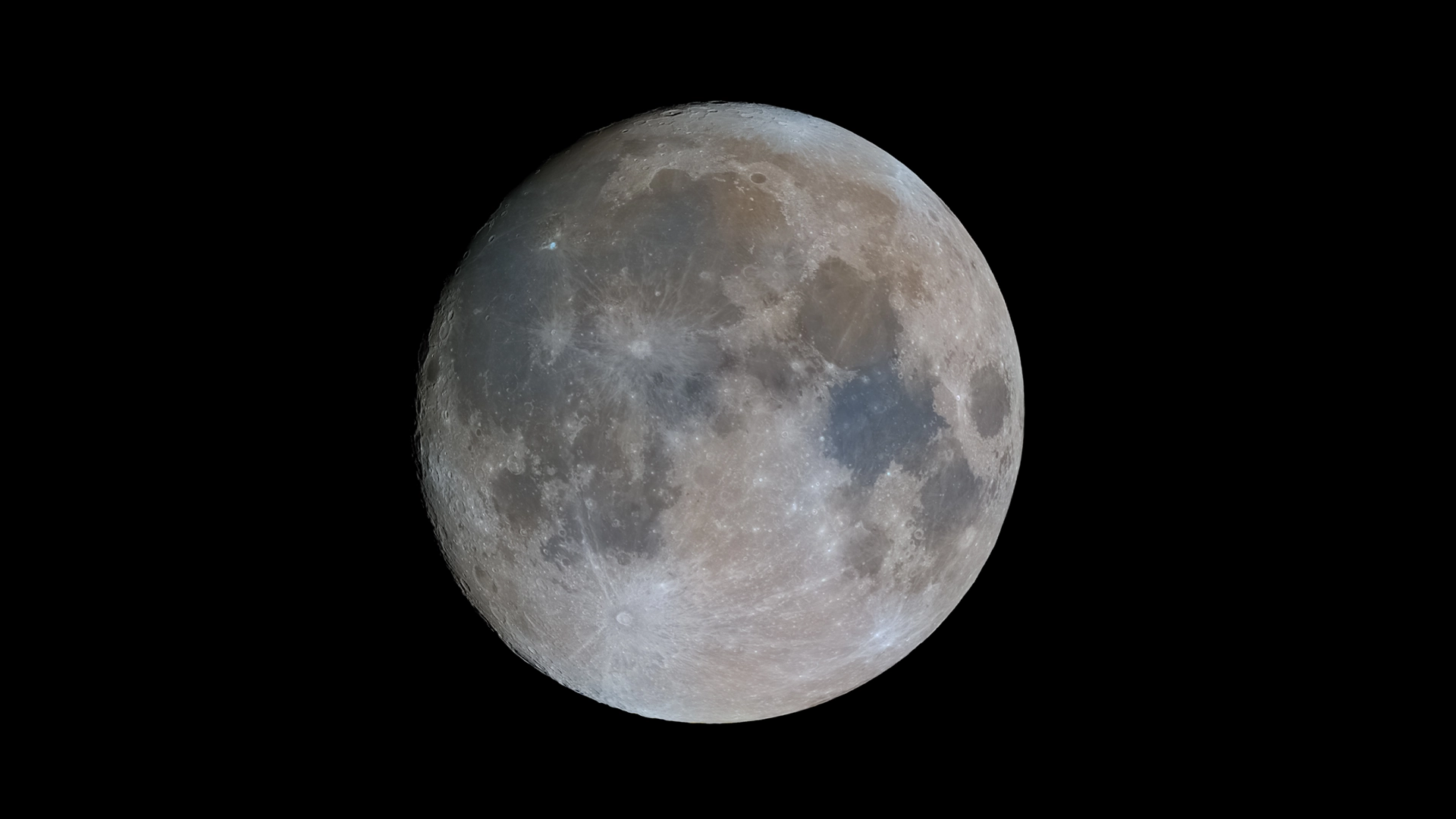
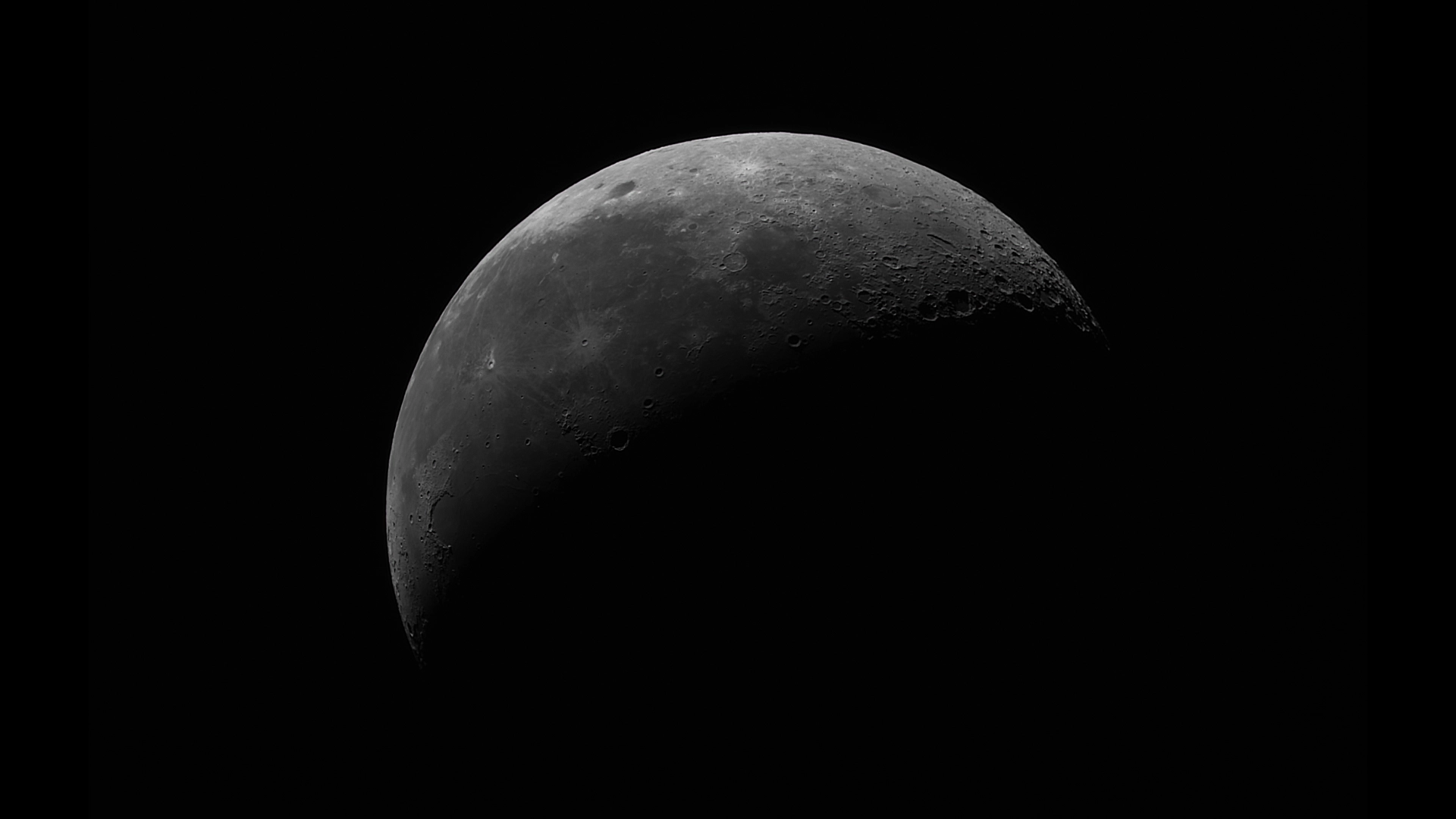
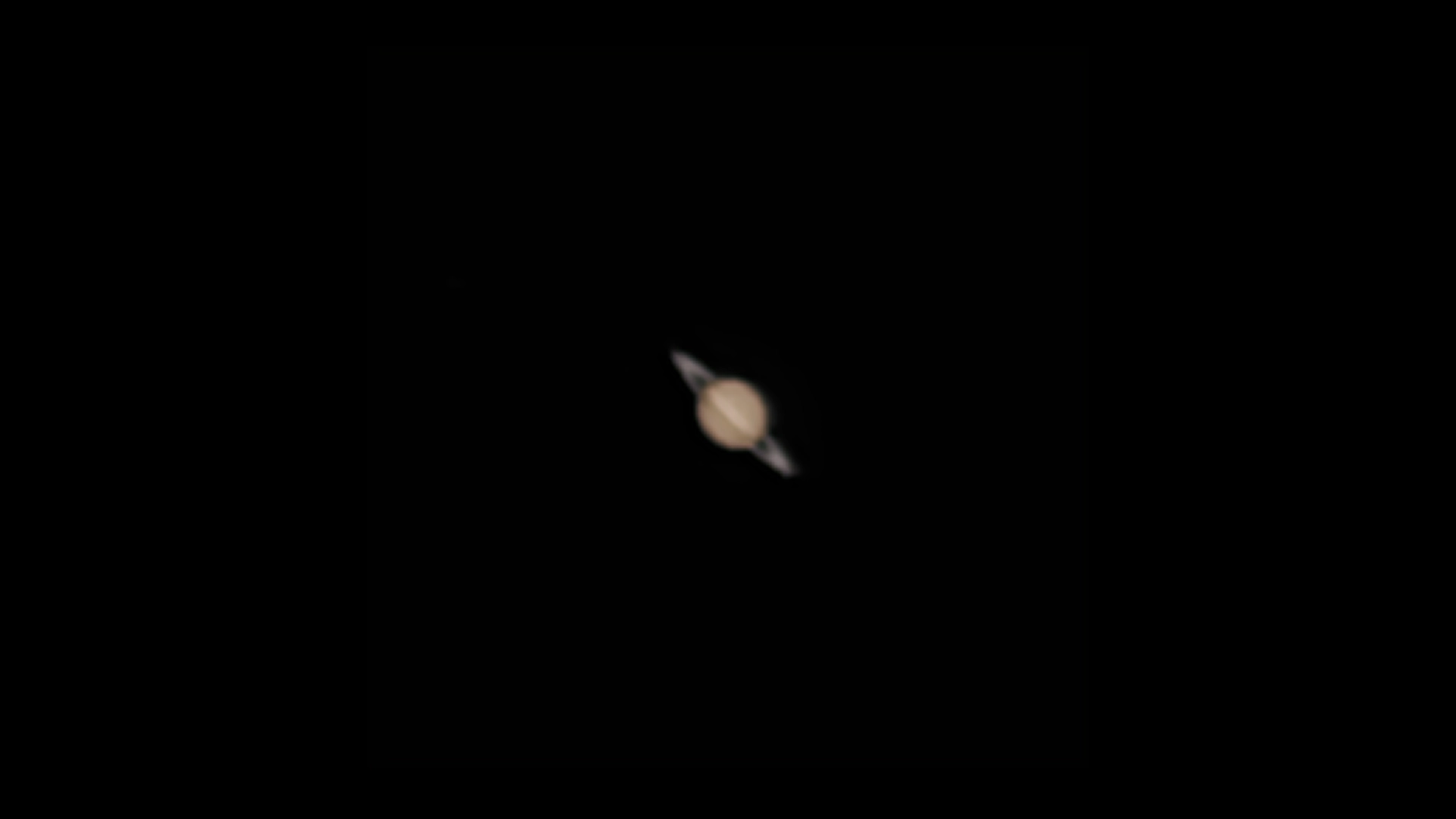
Capture details such as lunar craters, Saturn’s rings, and Jupiter’s Great Red Spot.

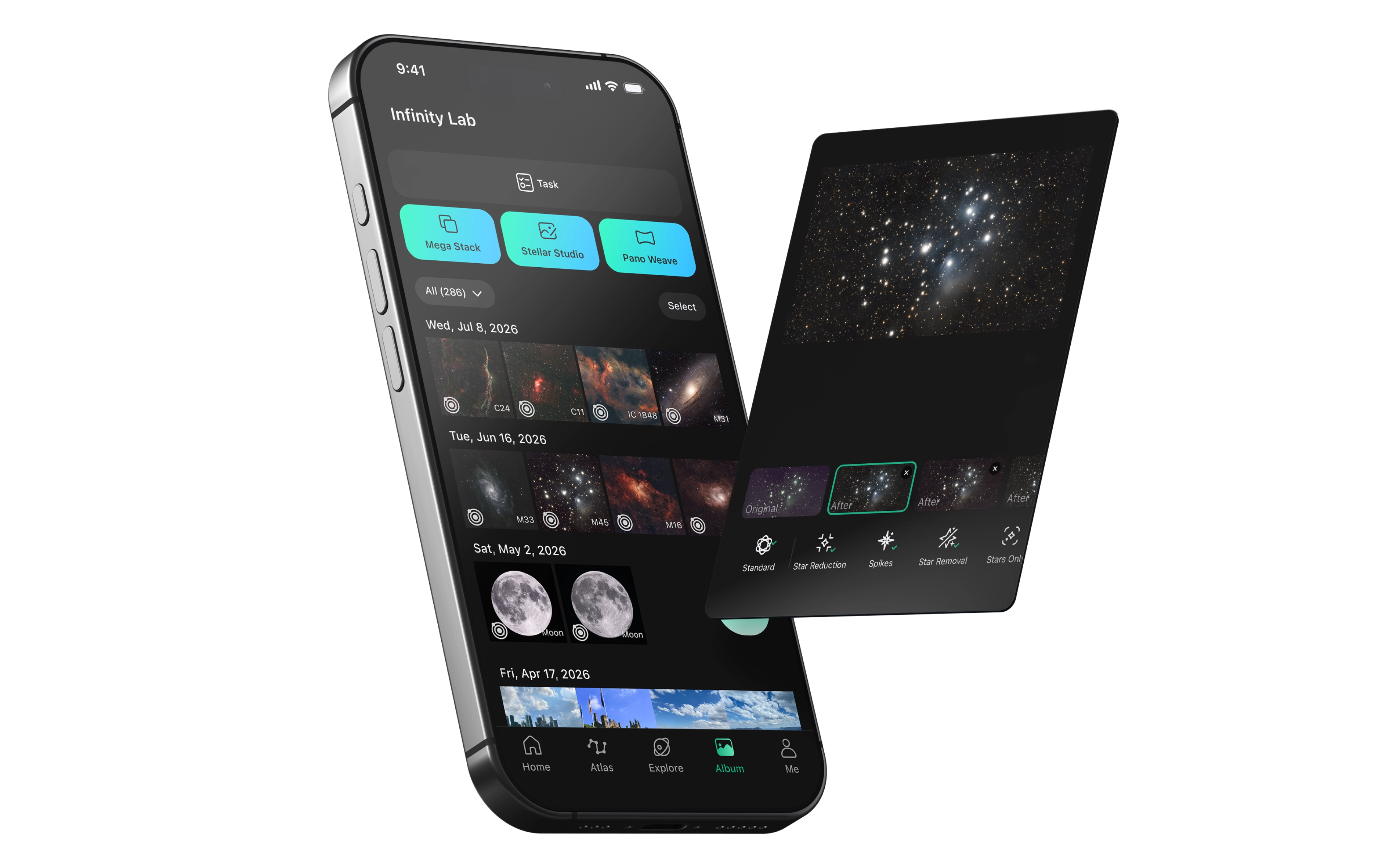
Draco automates focusing, targeting, tracking, and stacking for deep-sky imaging. Then enhance your images with Stellar Studio in the DWARFLAB App.
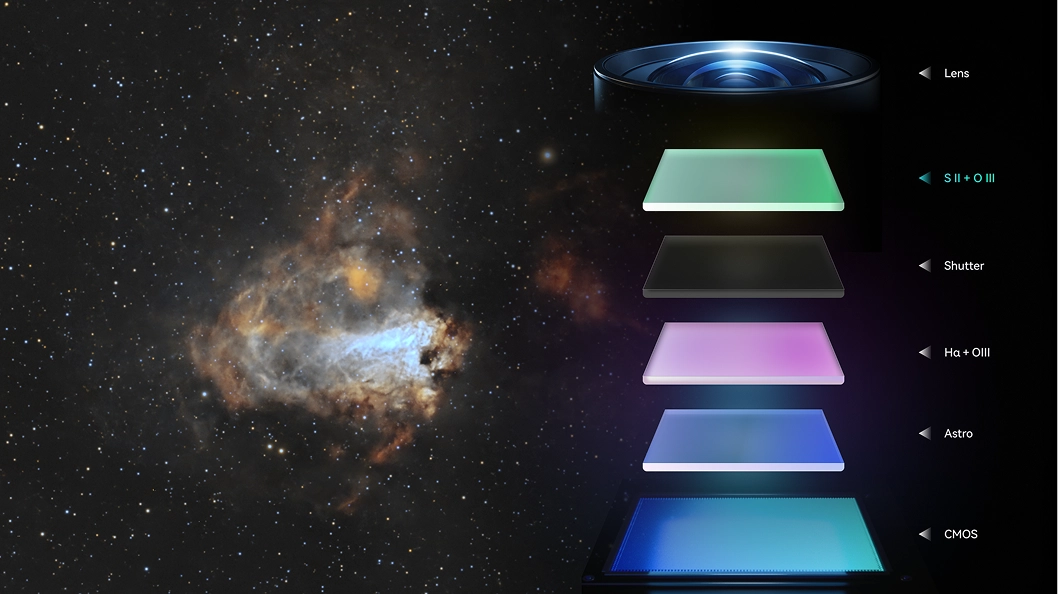
SHO Edition Only
The SHO Edition captures S II, Hα, and O III data and automatically combines them into blue-and-gold Hubble Palette images.
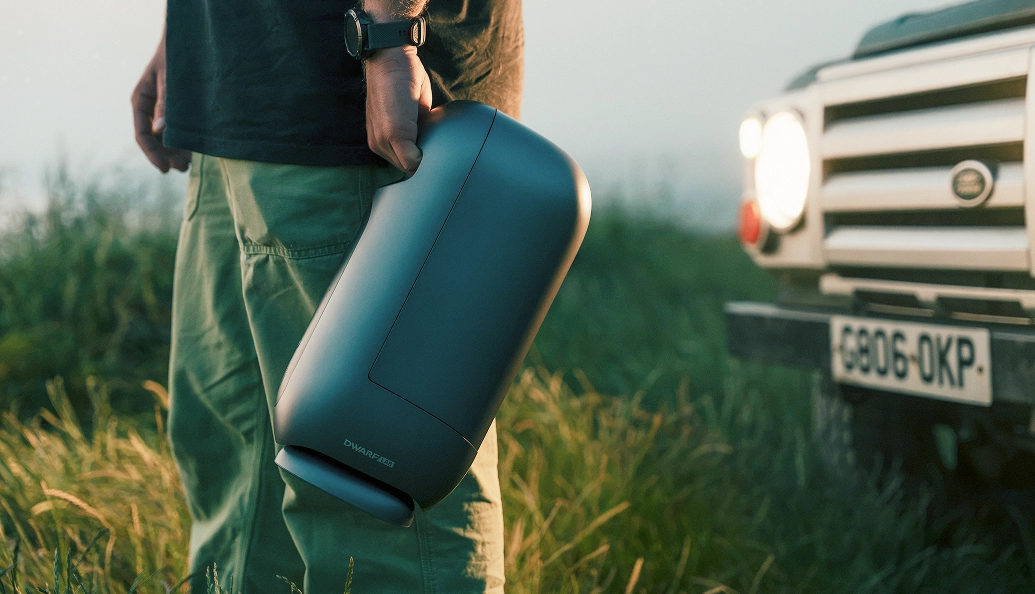
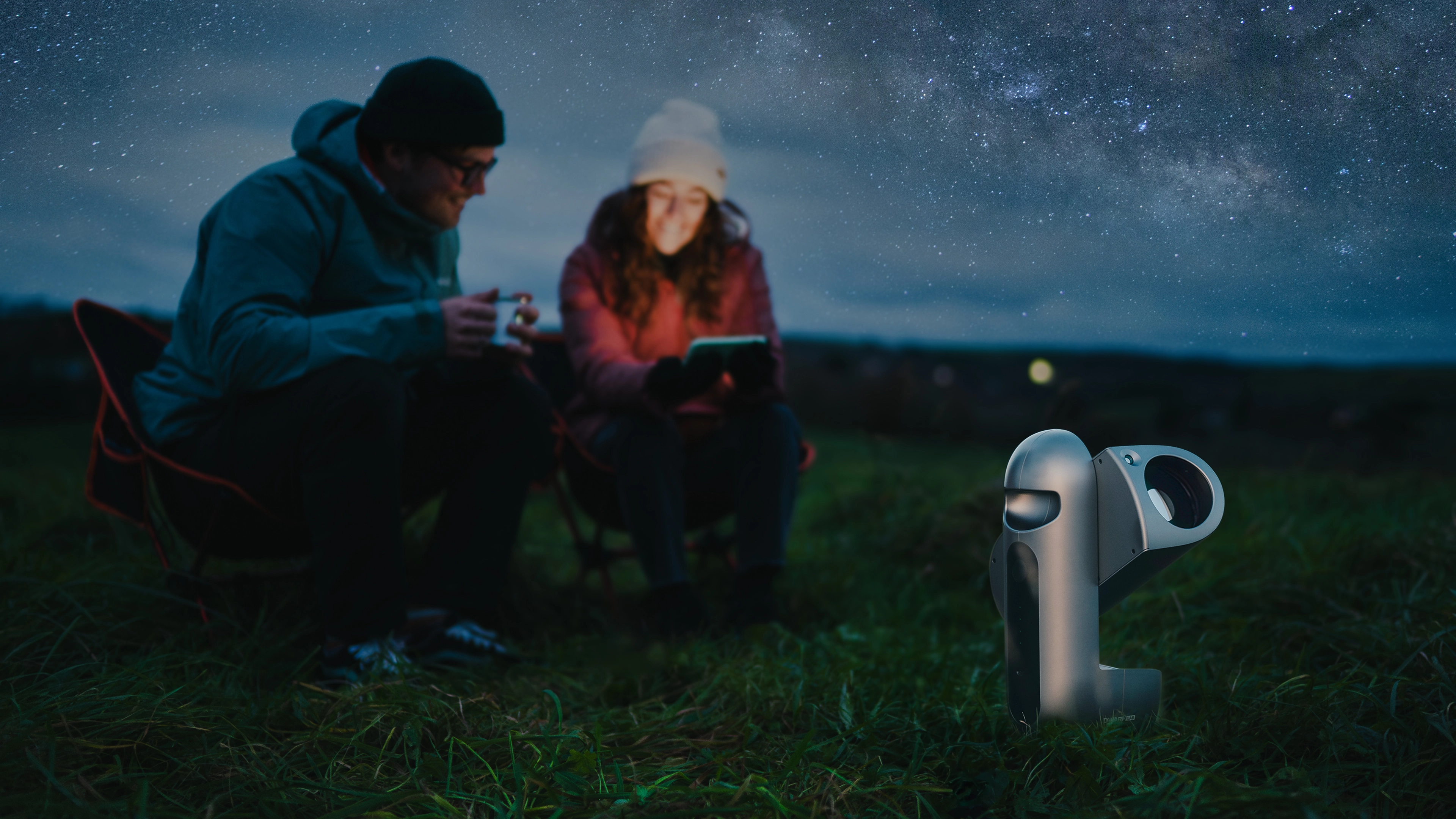
Carry Draco with one hand, from your backyard to your next dark-sky destination.
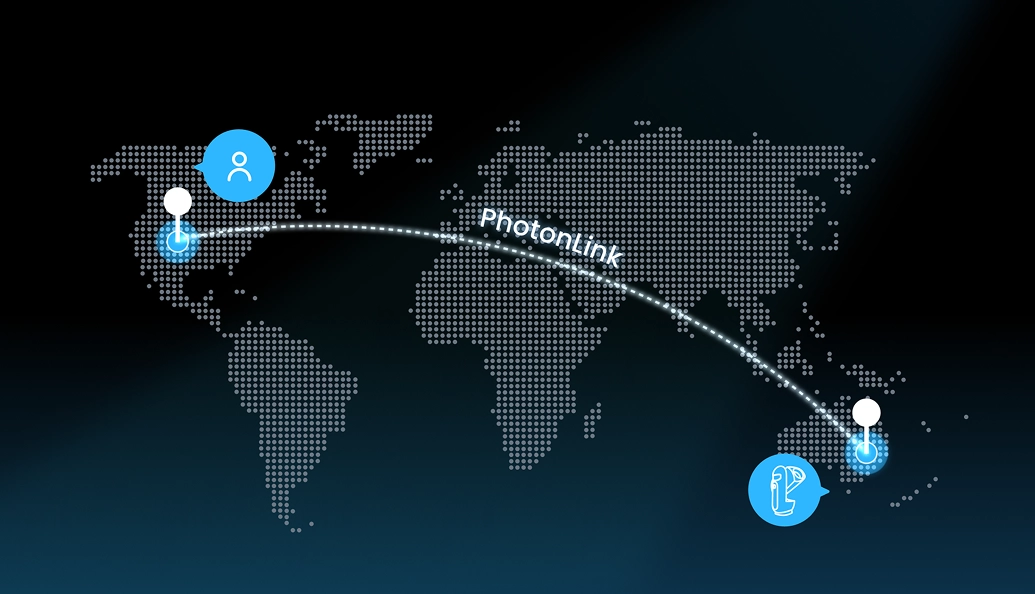
Control Draco from anywhere through the DWARFLAB App.
A new kind of observatory. One you can carry.
The deeper the sky, the more aperture matters.
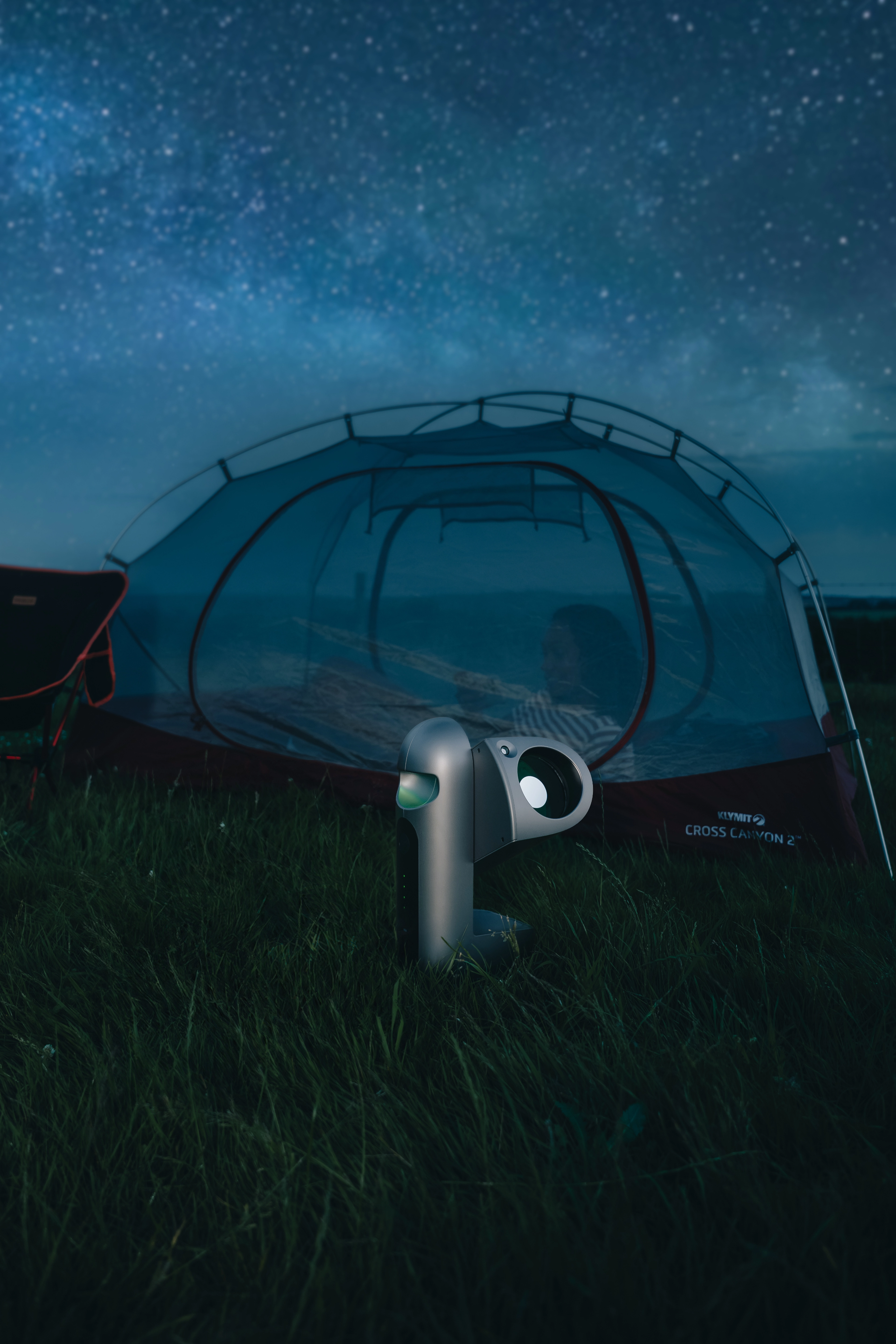
As aperture D increases, the diffraction limited angular resolution θ becomes smaller, revealing finer deep sky detail.
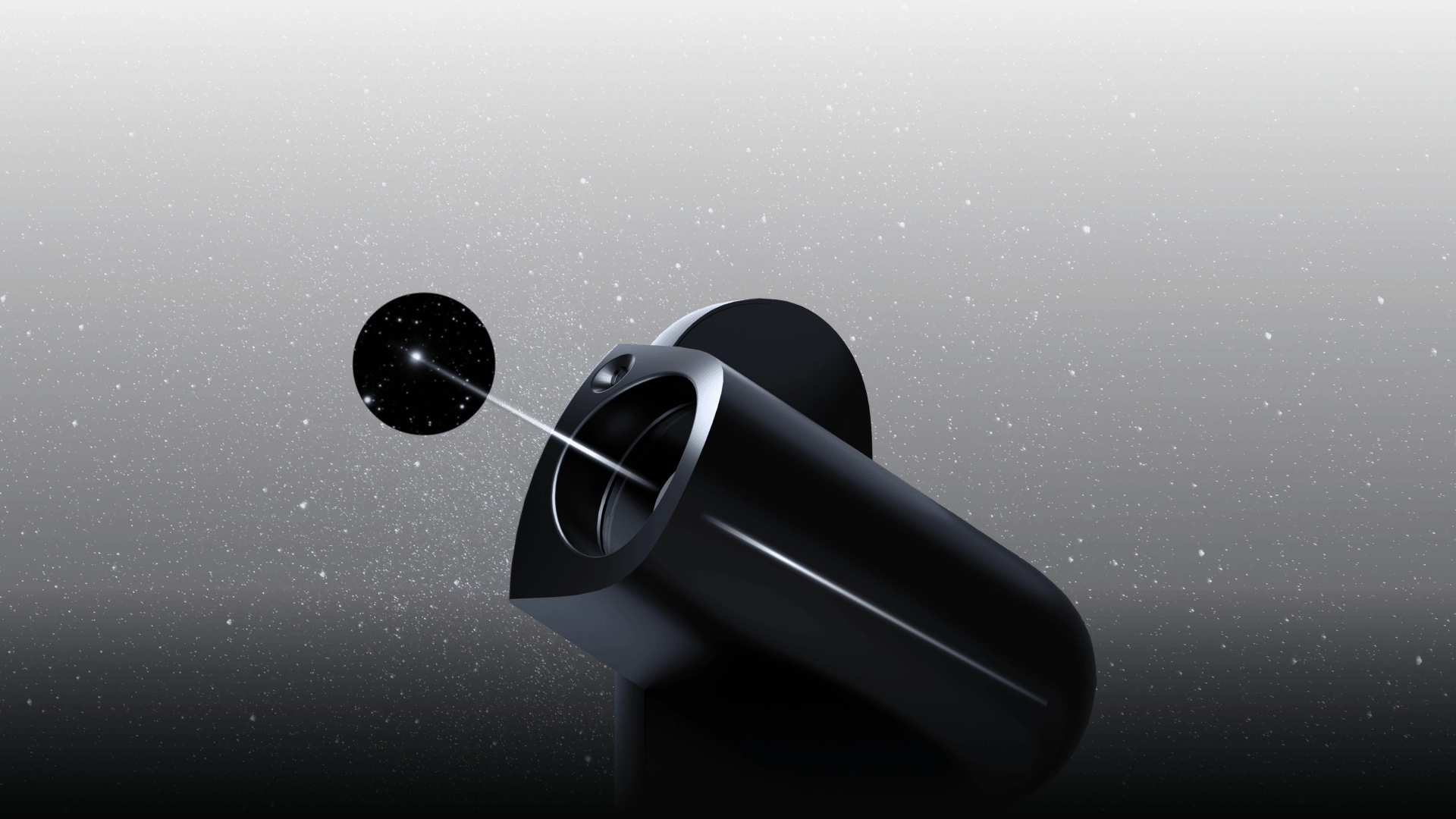
Faint structures. Fine textures. Subtle layers hidden in the dark. Draco’s 90mm telephoto optics gather the light needed to reveal what smaller systems can miss.
Draco captures the universe at two scales, simultaneously.
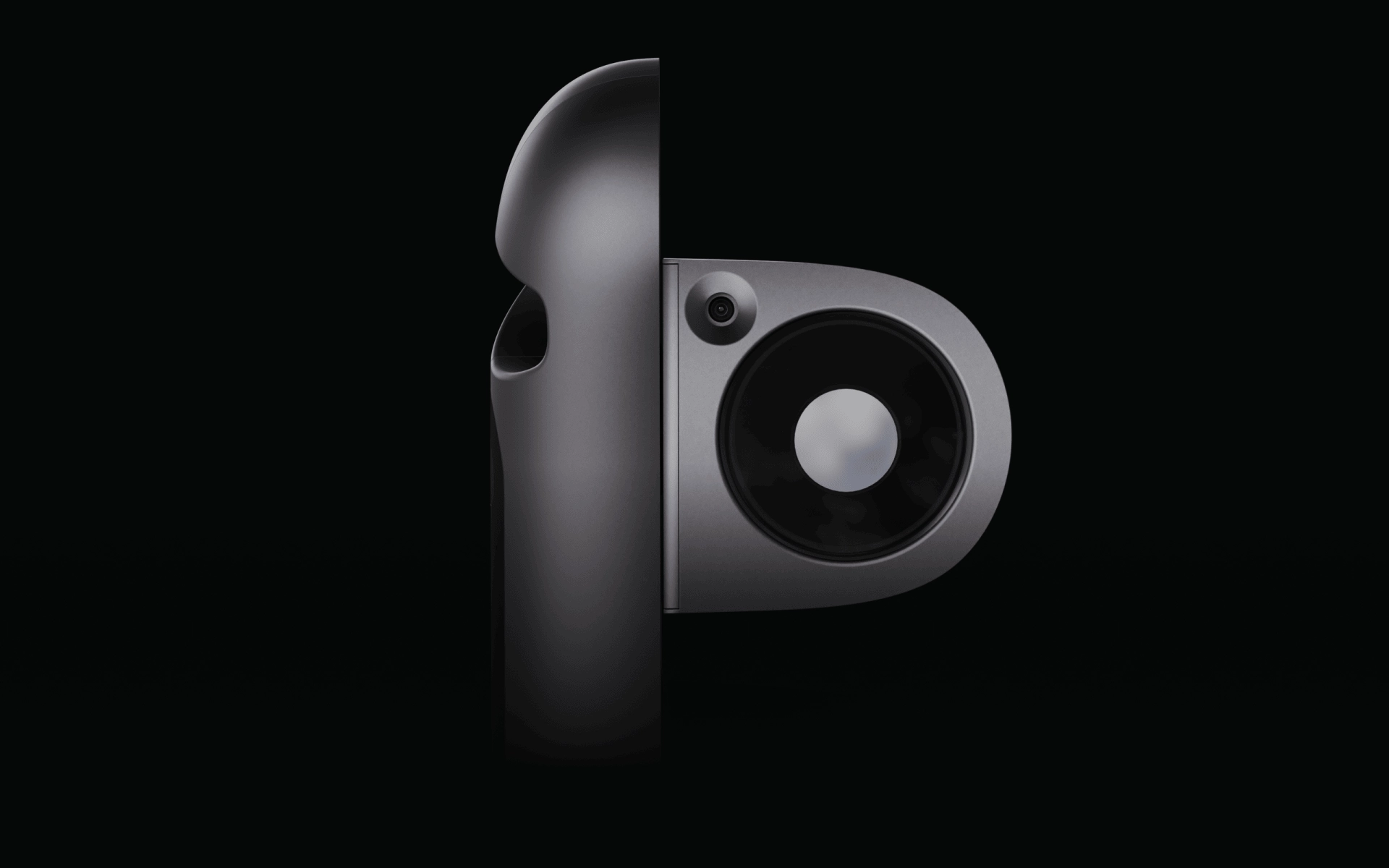
Not just what you captured. The wider night it belongs to.
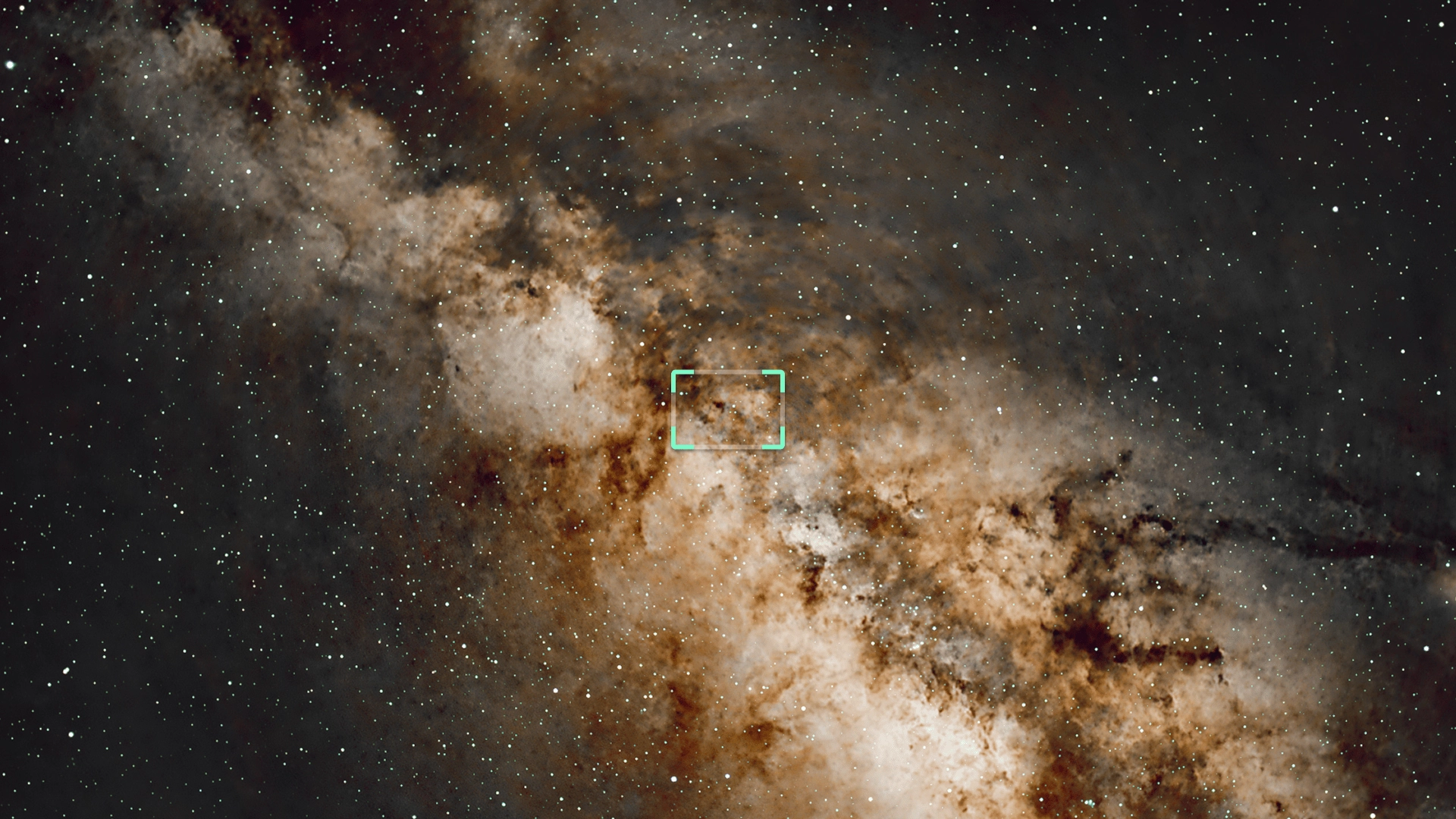
D 85.74° / H 73.20° / V 58.23° An ultra-wide field of view, made for the vast night sky. Capture the Milky Way, star trails, and sweeping landscapes with ease.
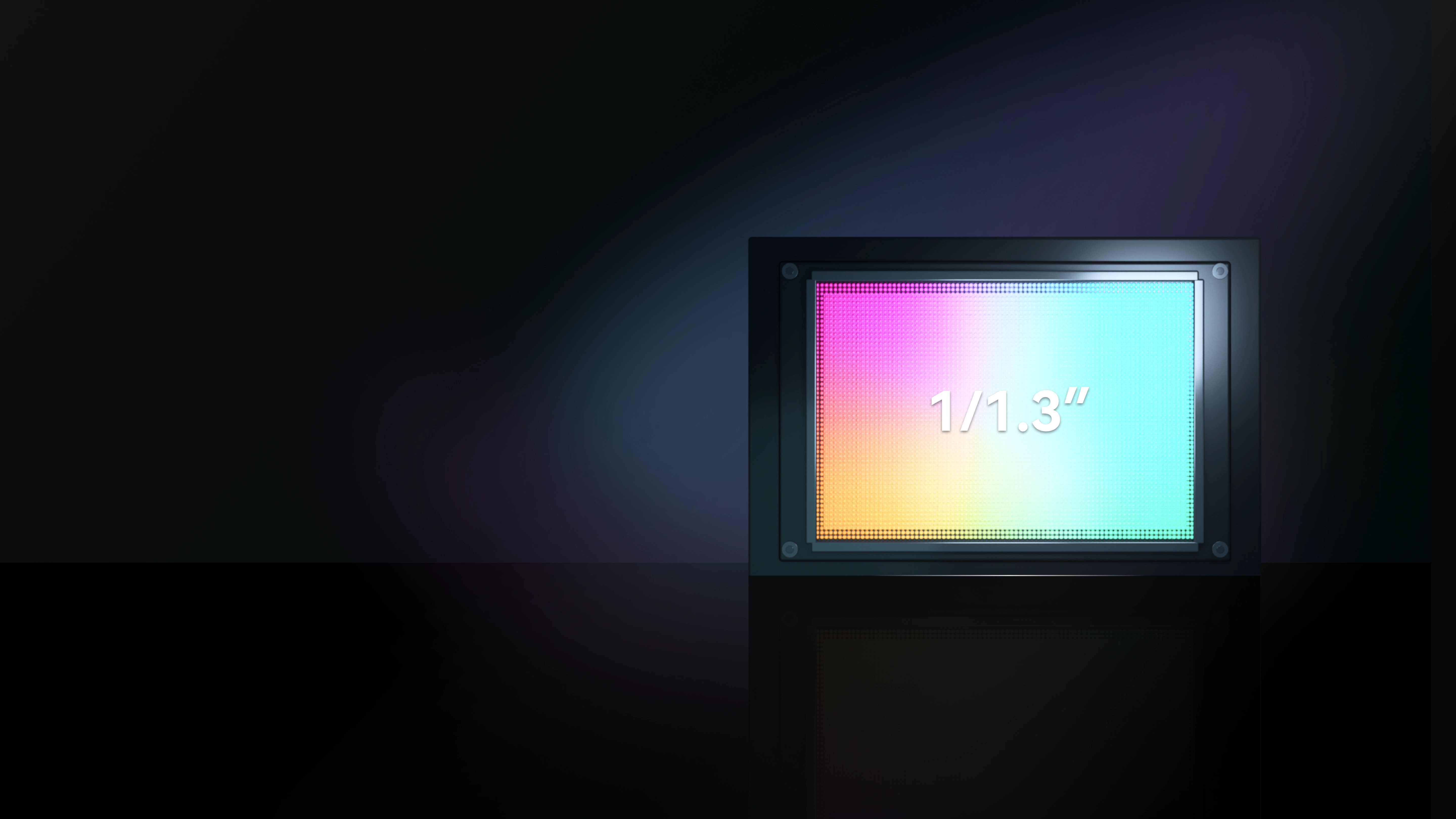
1/1.3-Inch Sensor
2.4μm Equivalent Pixels for Better Low-Light Performance
With 2×2 pixel binning, Draco combines four adjacent 1.2μm native pixels into one 2.4μm effective pixel, producing images at approximately 12MP. Greater signal collection improves the signal-to-noise ratio of faint targets, revealing cleaner nebulae, galaxies, and shadow detail.
1.2μm Native Pixels for Finer Detail
When imaging the Sun, Moon, and planets, Draco uses native 1×1 pixel readout and intelligently crops around the target to reduce unnecessary black space. This finer sampling helps capture details such as lunar craters, sunspots, Saturn’s rings, and Jupiter’s Great Red Spot.
Continuously monitors star drift and corrects tracking errors in real time, keeping stars sharp and preventing star trails.
The CMOS rotates with the sky to physically counter field rotation, delivering clean images without complex polar alignment.
High-precision transmission and fine microstepping control keep every tracking and movement correction stable and responsive. The optical tube moves as needed and follows smoothly, helping reduce vibration and backlash so stars stay tight during long exposures.
A 90mm aperture defines the physical ceiling of image quality. To truly reach it, every beam of light must be precisely controlled. Draco uses an aberration corrected optical system to precisely correct light deviation deep within the lens set. From the center to the edge of the frame, stars stay pin sharp. A leap in image quality, and an elegant answer to physics.
Draco’s dual cameras feature multiple built-in filters for deep-sky imaging, the Milky Way, star trails, the Sun and Moon, everyday photography, and more.
Preserves a broader range of useful starlight, making it well suited for deep-sky targets such as galaxies and star clusters.
Targets Hα at 656.3 nm and O III at 500.7 nm, with both channels narrowed to a 13 ± 3 nm bandpass. The narrower bandpass isolates nebula emission more precisely and reduces unwanted background light, bringing nebula structures into clearer view.
SHO or Standard. Choose Your Draco.
Both editions feature the same Hα + O III dual-narrowband filter and Astronomy Filter.
Choose the SHO Version for an additional built-in S II + O III filter, or the Standard Version with a built-in ND filter.
Draco’s all-metal base fits securely into its metal frame, forming a rigid, unified structure that stays stable in Equatorial Mode. Simply follow the in-app guidance to adjust Draco to the correct angle and complete the setup, providing greater stability for long exposures and multi-frame stacking.
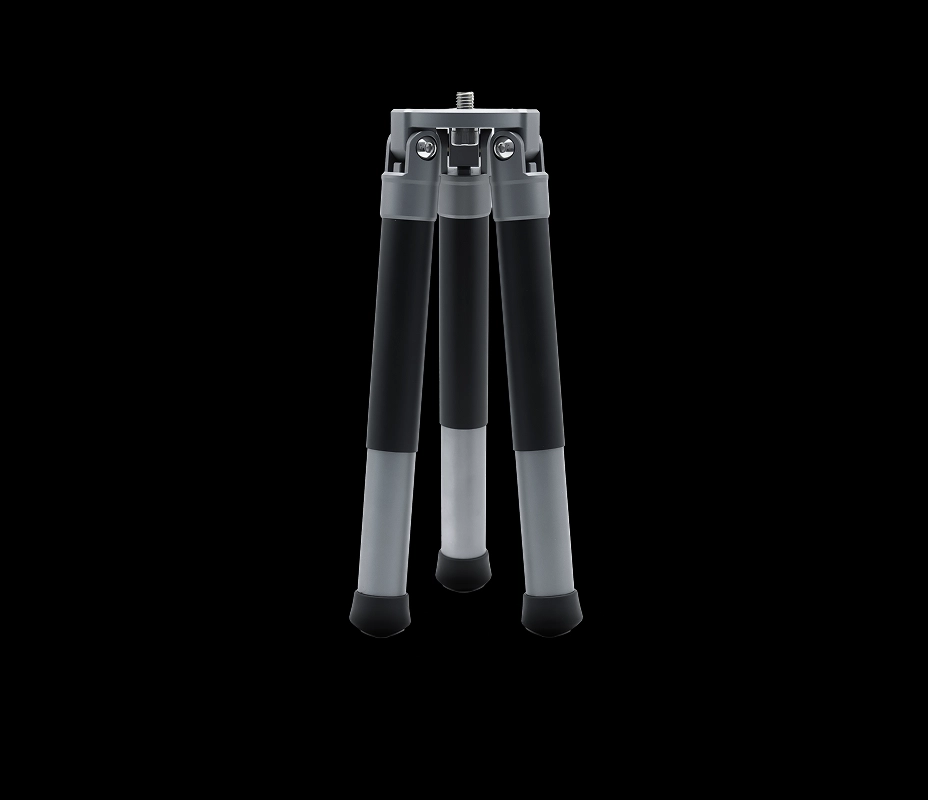
* The tripod shown is for illustration only. You can choose a tripod that suits your needs.
Draco comes with an aluminum-alloy tripod, with an aluminum platform, connectors, and legs for reliable support without unnecessary weight. TPR feet provide added grip on the ground for greater stability.
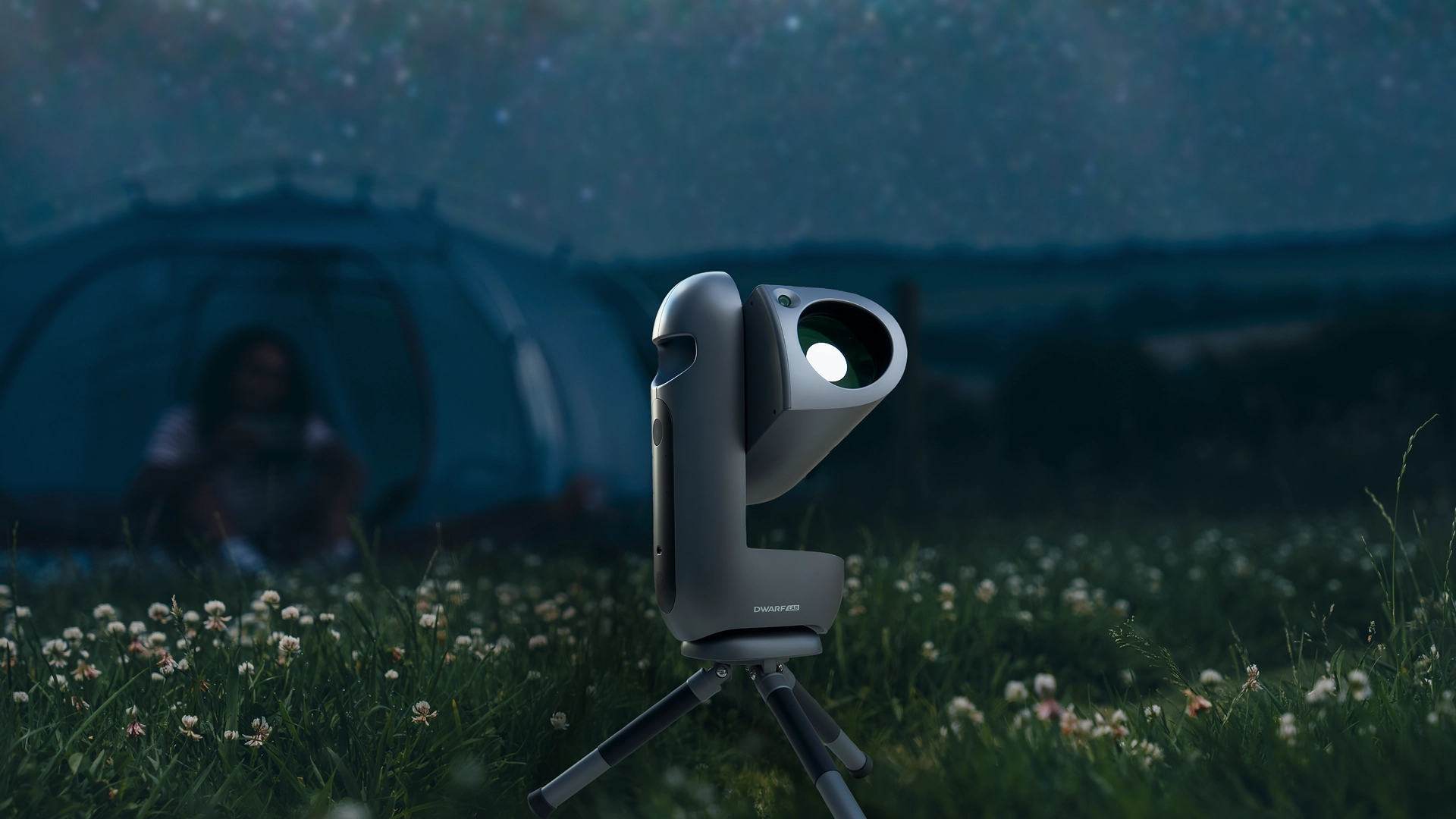
Lightweight and compact, it packs easily with Draco and sets up quickly wherever you take it.
Light enough to carry with one hand, so you can take serious imaging power far beyond the backyard.
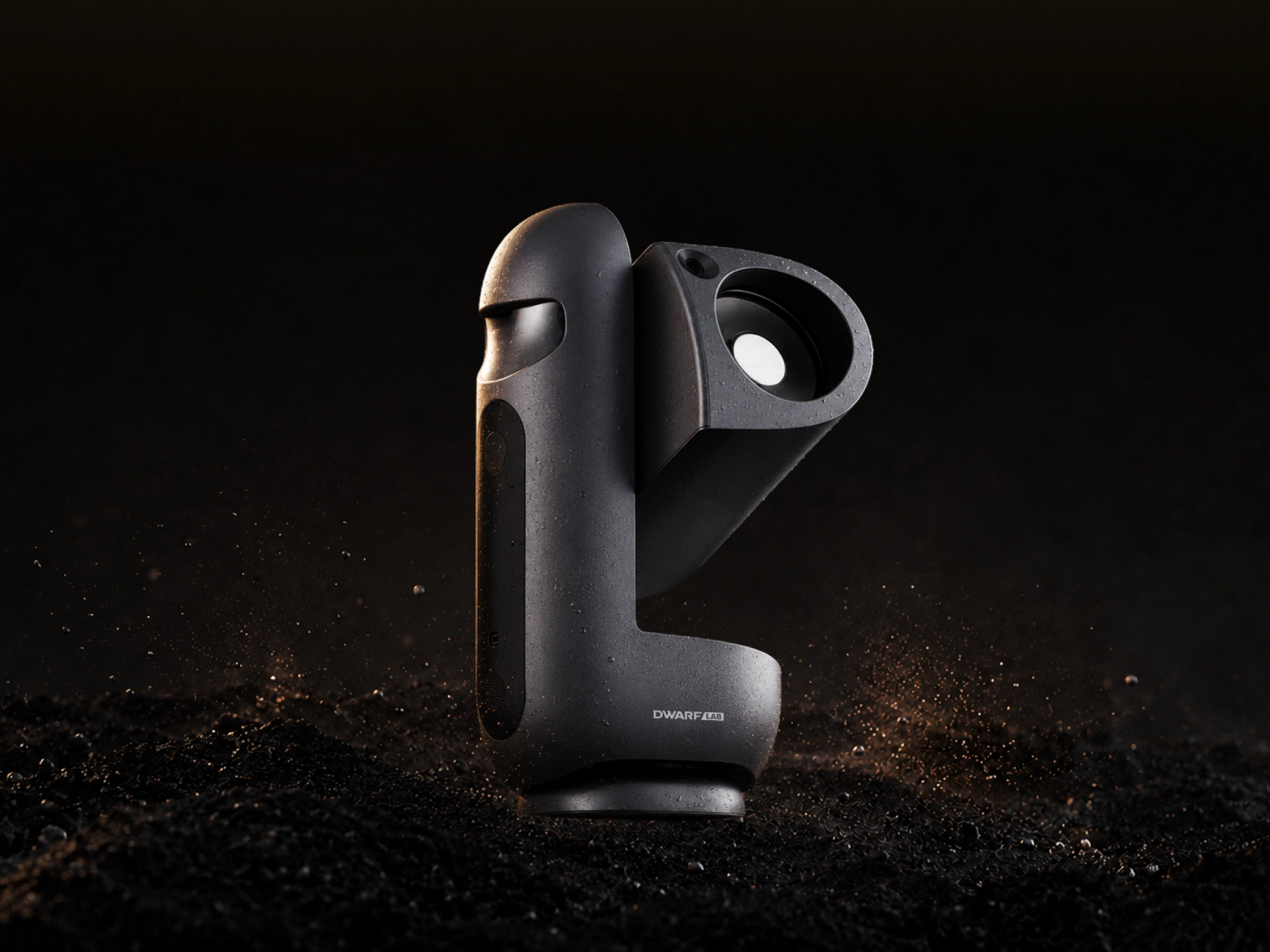
Built to last through long nights of deep-sky capture.
The all-metal base fits securely into the metal frame, providing stable, reliable support for outdoor observation.
Faster connection. Greater stability. Smoother control.
Tap your phone and NFC brings the app to life instantly.
A Unified Flow
Find Out What You Are Seeing at Ease
Raise Your Phone. Find Your Target.
With AR wide-angle Sky Finder, Draco aligns with the sky and shows environmental obstructions at a glance. See what is visible, and choose with confidence.
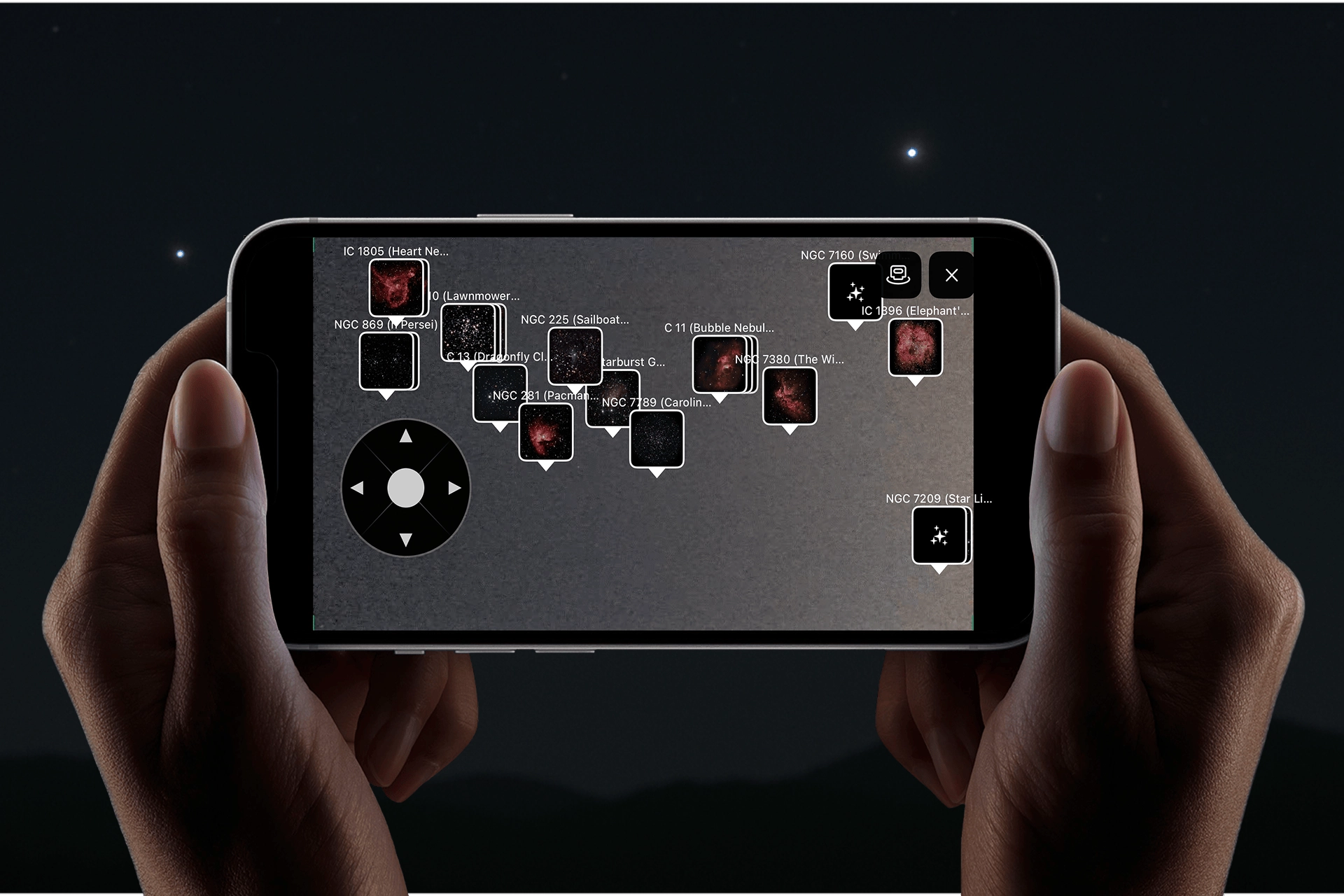
Explore the Night Sky, Your Way.
From Locating to Imaging, Draco Handles It All
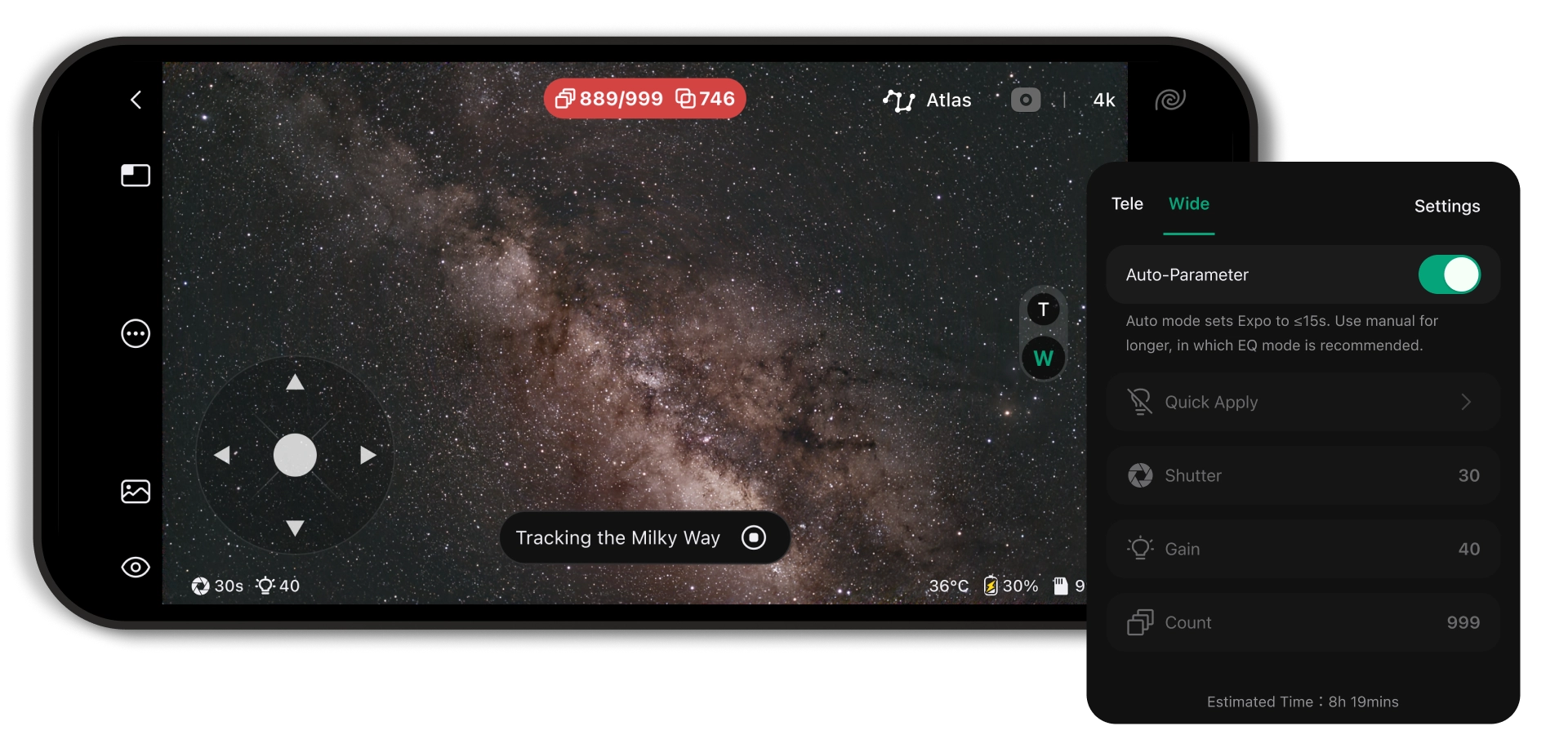
Set up Draco and tap a target. Autofocus, calibration, target acquisition, tracking, and stacking—all handled automatically. Built-in guiding keeps 300-second exposures steady as faint starlight builds up frame by frame.
In Auto Mode, Draco intelligently adjusts settings for each target. Switch to Pro Mode for full control over exposure, gain, filters, and more. With exposure times from 1/10000 s to 300 s, you have the flexibility to capture different targets and explore more creative possibilities.
Draco comes with built-in flat and bias calibration data and automatically captures dark frames in real time. During live stacking, calibration is applied automatically to reduce thermal noise, vignetting, dust shadows, and read noise. You choose what to capture. From pointing to imaging, Draco handles the rest.
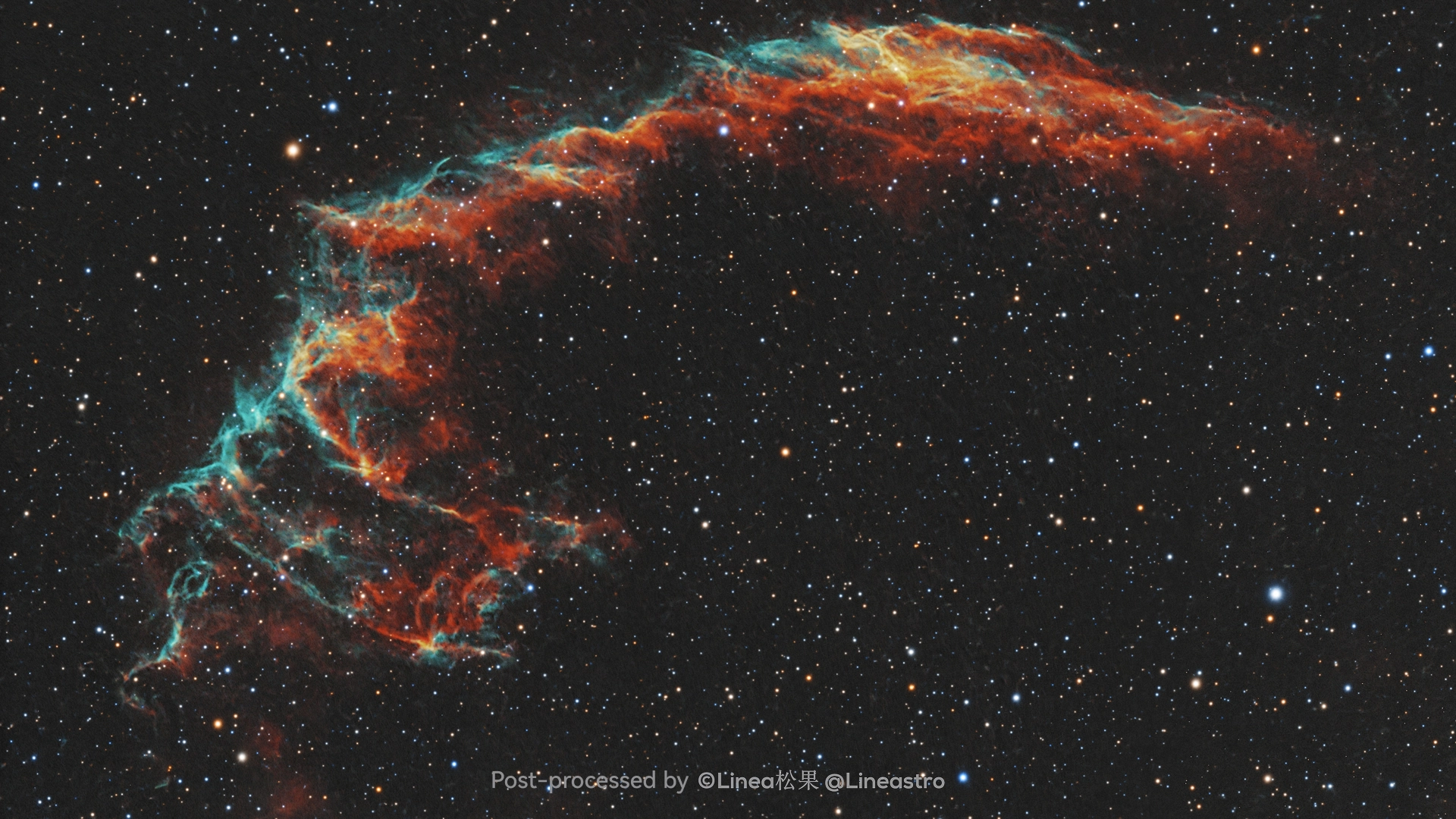
Your image goes from captured to finished.
No need to learn complex desktop software. The DWARFLAB App puts essential astrophotography editing tools right at your fingertips, including auto enhancement, star correction, noise reduction, star reduction, star removal, star extraction, star spikes, watermarks and Hubble Palette effect, and give every image a look of your own.
Even without post-processing experience, you can make your image look polished while staying true to the sky.
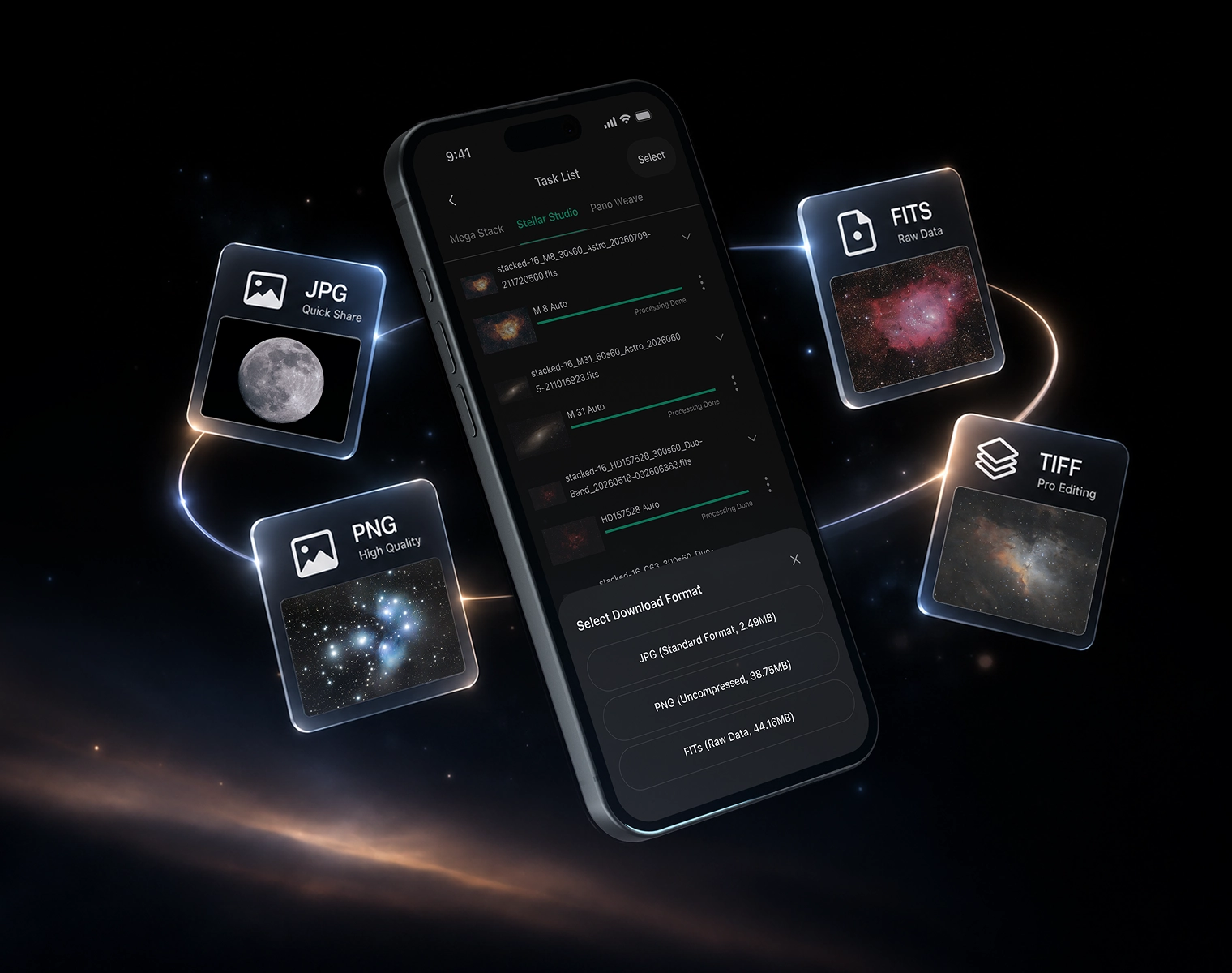
Draco gives you the data, too. Export in JPG, PNG, FITS, and TIFF. JPG and PNG make sharing quick and easy, while FITS and TIFF fully preserve the underlying image data, giving you more flexibility for advanced post-processing and creative expression.
Explore real work from DWARFLAB users, discover new targets, compositions, locations, and shooting methods, or share your own images, experience, and process.
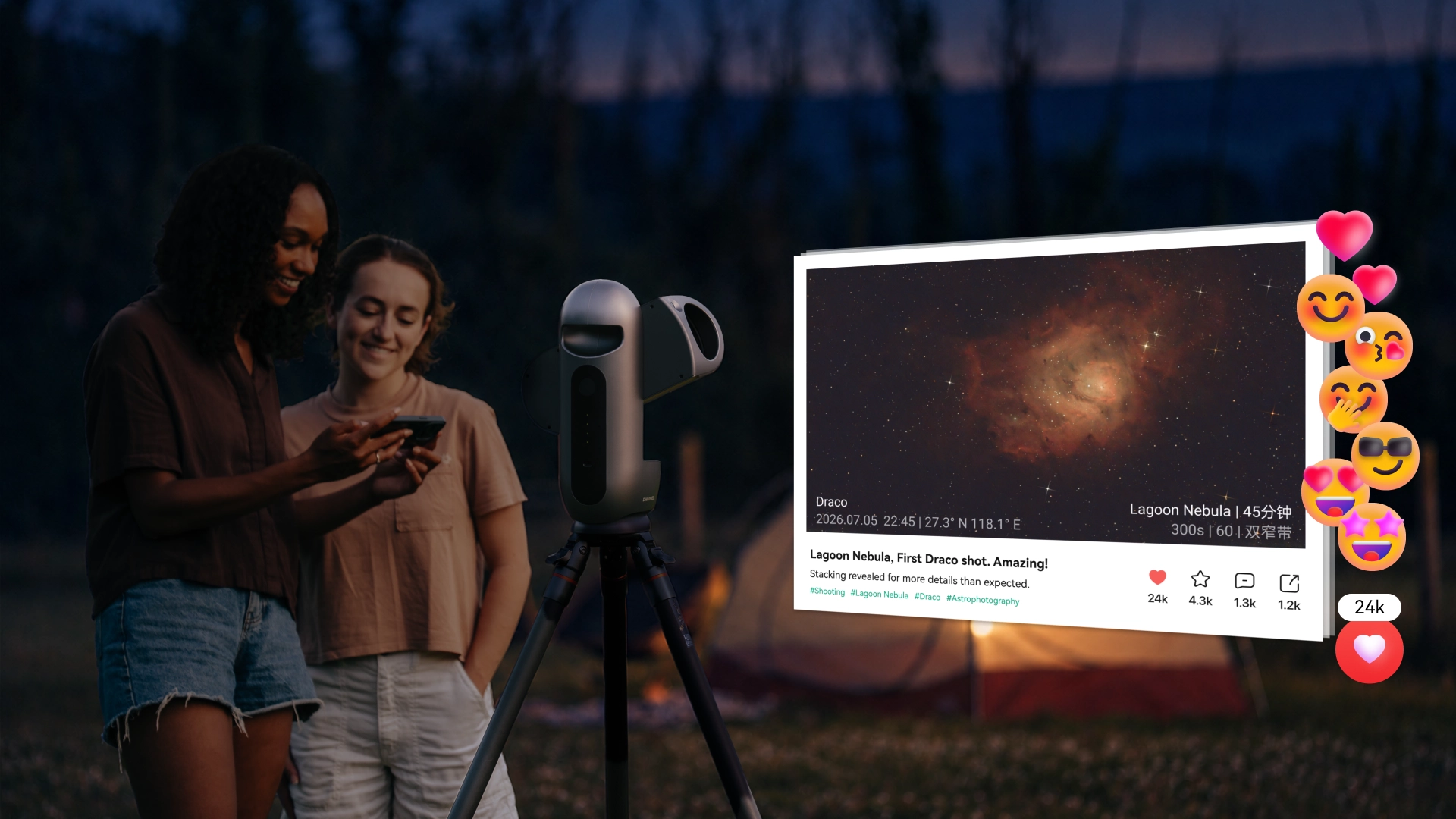
Create it. Share it.
With Star Party, deep sky imaging becomes something you can build together.
Shoot the same target with friends or users around the world. Share progress, combine data with CoStack, or create larger deep sky mosaics with CoMosaic.
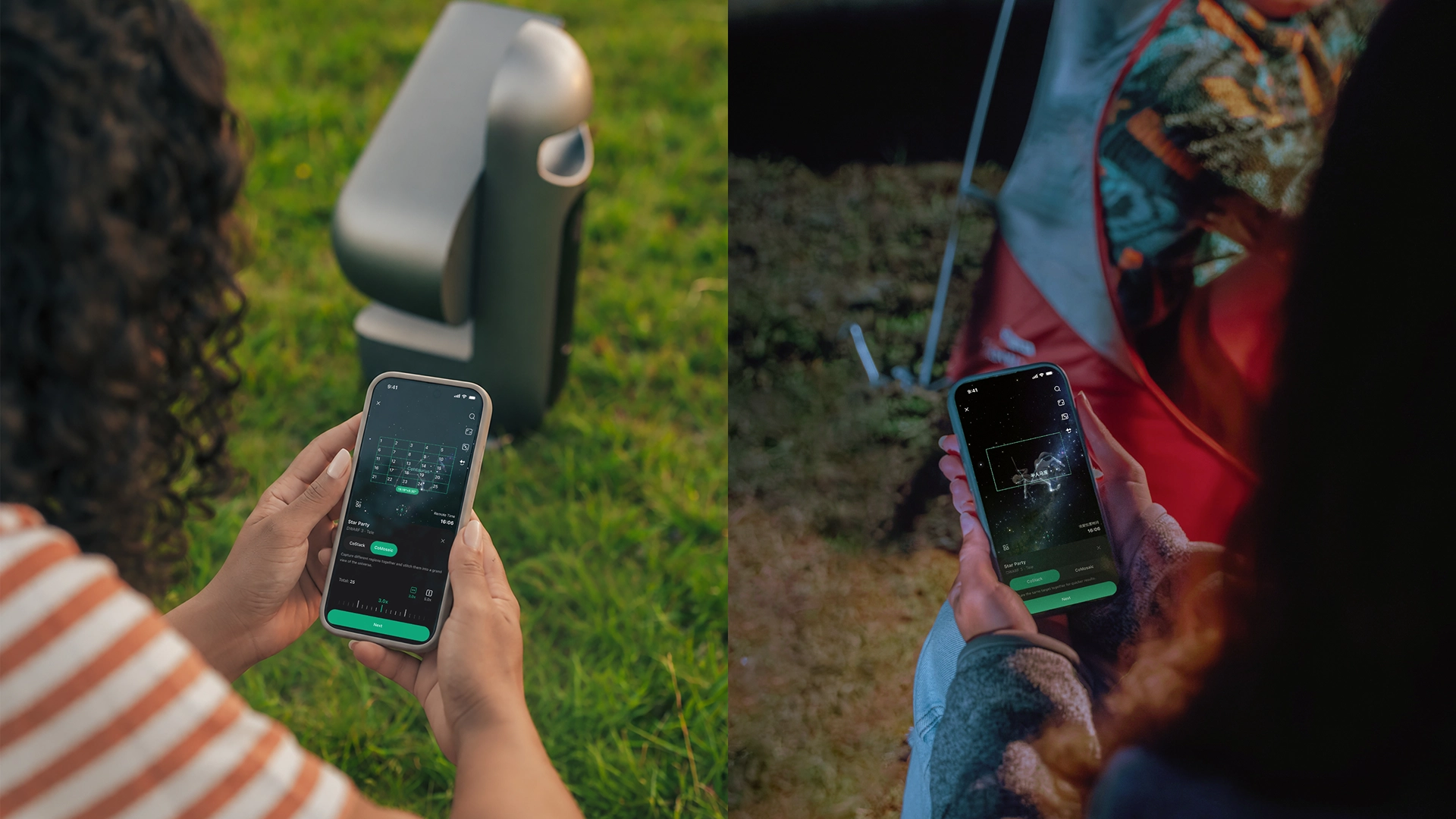
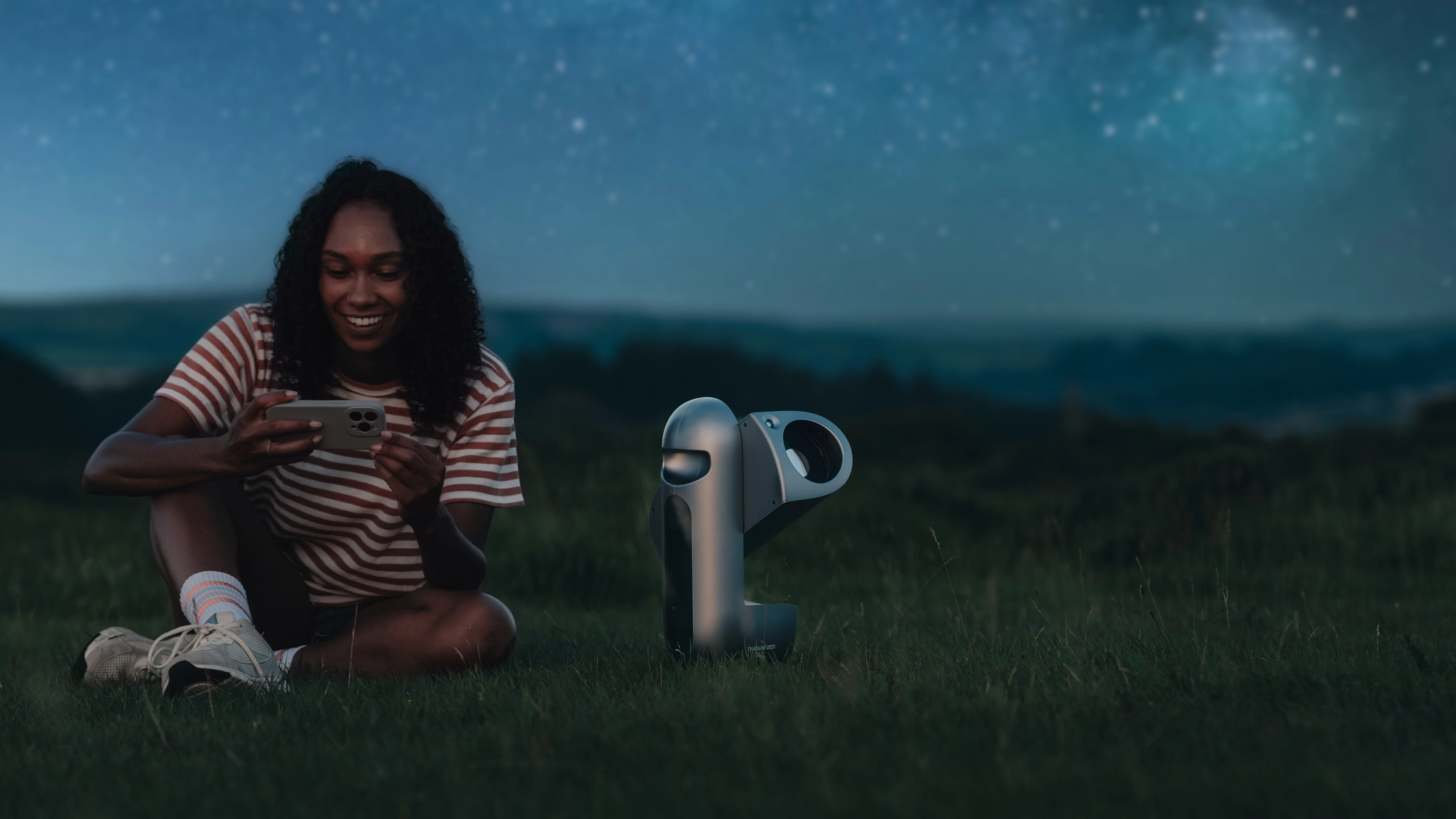
More than one night. More than one frame. Let Draco take on larger, longer imaging plans on its own.
Remote Control
Deploy Draco where observing conditions are better, giving you remote access to clearer skies, darker nights, and a more stable imaging environment.
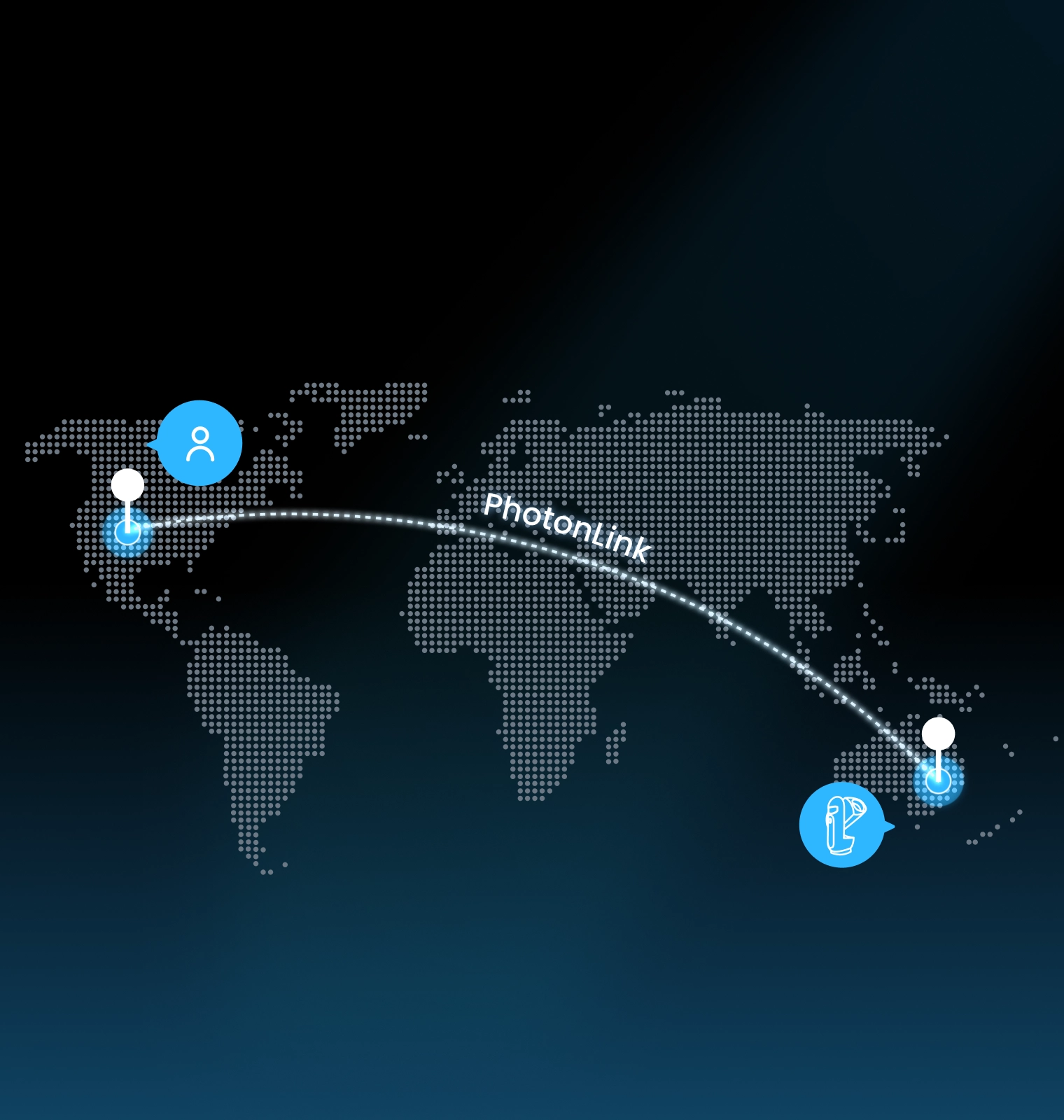
With DWARFLAB’s official PhotonLink remote service, you can control Draco from anywhere through the app. You can also invite friends to control it with you and share the fun of astrophotography.
Remotely switch the dark-frame cover, filters, and imaging settings, with no on-site operation required for the Sun, Moon, deep sky, Milky Way, or star trails. Standard Edition: Built-in H+O and ND filters support remote switching for solar imaging. SHO Edition: Built-in H+O and S+O filters automatically capture and combine S, H, and O band data to produce classic blue-and-gold SHO images. For solar imaging, the included external ND filter must be attached in advance.
Connect to wired Ethernet via USB for greater connection stability and more efficient data transfer, making Draco better suited for long-term remote deployment.
Schedule Shooting
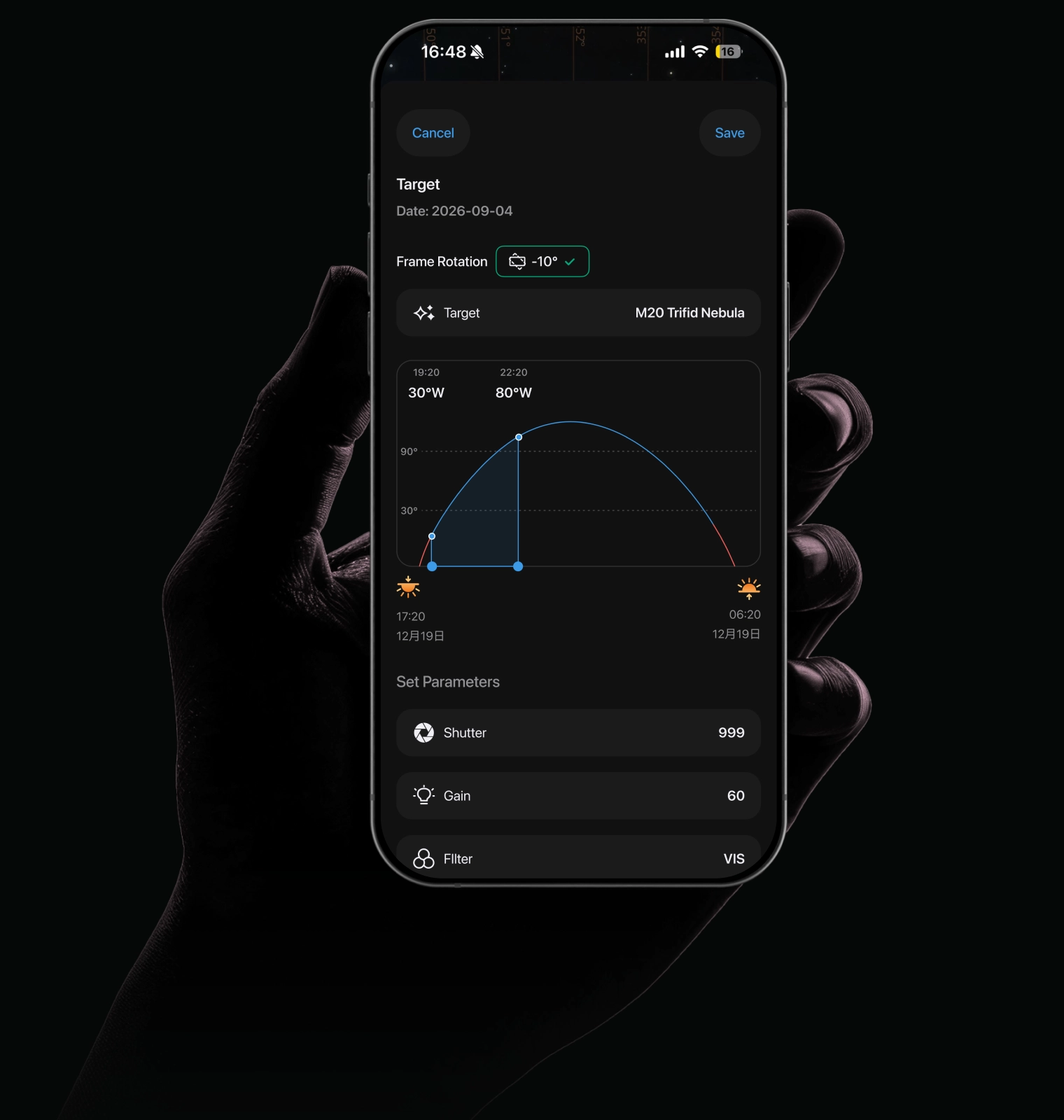
When you cannot stay up, Draco can. Set the target, time, and parameters in the DWARFLAB App, and Draco wakes, finds, tracks, and captures automatically.
Astro Mosaic
When one frame is not enough, expand it. Extend the frame in the star map, and Draco automatically captures and stitches multiple sections into a wider deep-sky image.
Expand the frame by up to 1.8× in both width and height, for a field of view approximately 3× larger overall.
A wider view. A more complete nebula. Captured in one smooth flow.
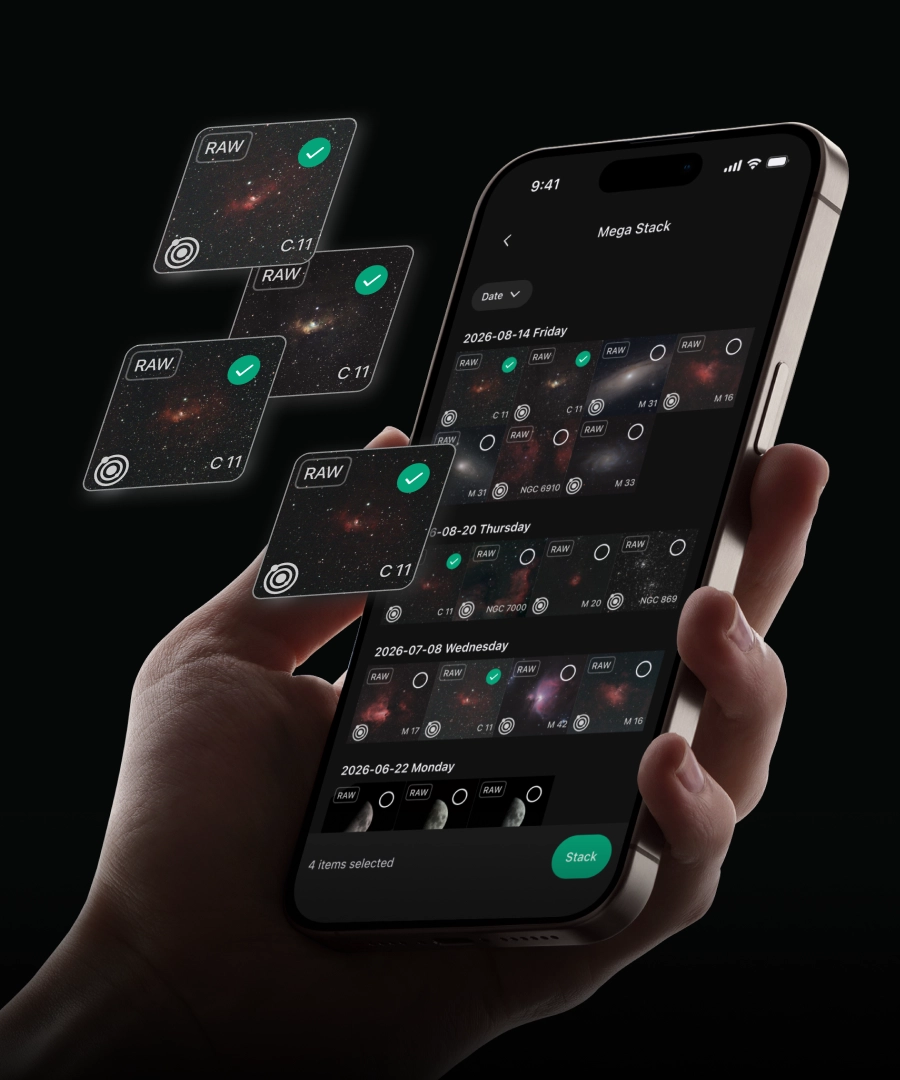
Multi-Night Mega Stacking
Automatically center, focus, and lock onto the Sun or Moon with one tap. Whether you’re recording sunspots, capturing lunar details, or following a solar or lunar eclipse, Draco gets you ready to observe and image in moments. Standard Edition: Switch the built-in ND filter into place with one tap in the app for solar imaging. * We recommend avoiding solar imaging in hot weather. For example, in summer, avoid shooting at midday and choose morning or late afternoon instead. SHO Edition: Includes an external magnetic ND filter. Once attached manually, Draco automatically handles the remaining solar imaging process.
Powerful enough to feel like an observatory. Portable enough to leave with you.

 |
 |
|
|---|---|---|
Draco |
Draco |
|
|
Standard Edition |
SHO Edition |
|
OPTICAL SYSTEM |
||
|
Aperture diameter |
90 mm (telephoto) 2.96 mm (wide-angle)
|
90 mm (telephoto) 2.96 mm (wide-angle)
|
|
Focal Length |
340 mm (telephoto) 5.56 mm (wide-angle)
|
340 mm (telephoto) 5.56 mm (wide-angle)
|
|
35 mm-Equivalent Focal Length |
1200 mm (telephoto, astronomy mode) 1280 mm (telephoto, non-astronomy mode) 23.3 mm (wide-angle)
|
1200 mm (telephoto, astronomy mode) 1280 mm (telephoto, non-astronomy mode) 23.3 mm (wide-angle)
|
|
Field of View |
Telephoto Astronomy Mode (Deep Sky / Solar System): H 1.649° / V 1.238° / D 2.059° Other Modes: H 1.549° / V 1.162° / D 1.936° Wide-Angle All Modes: H 73.20° / V 58.23° / D 85.74° Guiding H 0.905° / V 0.512° / D 1.040°
|
Telephoto Astronomy Mode (Deep Sky / Solar System): H 1.649° / V 1.238° / D 2.059° Other Modes: H 1.549° / V 1.162° / D 1.936° Wide-Angle All Modes: H 73.20° / V 58.23° / D 85.74° Guiding H 0.905° / V 0.512° / D 1.040°
|
|
Focusing Distance (Telephoto) |
25 m–∞
|
25 m–∞
|
|
Built-in Filters |
Telephoto Astro: 430 ~ 690 nm Dark: Fully opaque H+O Dual-Narrowband: CWL 1: O III 500.7 nm | FWHM 13 nm CWL 2: Hα 656.3 nm | FWHM 13 nm ND: OD 5 @ 400 ~ 1000 nm Wide-Angle VIS: 420 ~ 660 nm ND: OD 5 @ 400 ~ 1000 nm
|
Telephoto Astro: 430 ~ 690 nm Dark: Fully opaque H+O Dual-Narrowband: CWL 1: O III 500.7 nm | FWHM 13 nm CWL 2: Hα 656.3 nm | FWHM 13 nm S+O Dual-Narrowband: CWL 1: O III 500.7 nm | FWHM 13 nm CWL 2: S II 671.6 nm | FWHM 13 nm Wide-Angle VIS: 420 ~ 660 nm ND: OD 5 @ 400 ~ 1000 nm
|
IMAGING SYSTEM |
||
|
Image Sensor |
OV50Q40 (telephoto) OV50E40 (wide-angle) OS04C1B (guiding; monochrome)
|
OV50Q40 (telephoto) OV50E40 (wide-angle) OS04C1B (guiding; monochrome)
|
|
Sensor Optical Format |
1/1.3″ (uncropped)
|
1/1.3″ (uncropped)
|
|
Native Pixel Size |
1.197 µm
|
1.197 µm
|
|
Pixel Size After Binning |
2.394 µm (2×2 binning)
|
2.394 µm (2×2 binning)
|
|
Sensor Resolution |
50.33 MP (telephoto) 50.33 MP (wide-angle) 4.09 MP (guiding)
|
50.33 MP (telephoto) 50.33 MP (wide-angle) 4.09 MP (guiding)
|
|
Output Image Resolution |
12 MP (telephoto, 2×2 binning) 12 MP (wide-angle, 2×2 binning)
|
12 MP (telephoto, 2×2 binning) 12 MP (wide-angle, 2×2 binning)
|
|
Aspect Ratio |
4:3
|
4:3
|
MOUNT & TRACKING |
||
|
Motor Speed |
0.001°/s–12.83°/s (0.06°/min–770°/min)
|
0.001°/s–12.83°/s (0.06°/min–770°/min)
|
|
Movement Range |
Tilt: 310° Rotation: 360°
|
Tilt: 310° Rotation: 360°
|
|
Field-Derotation Speed |
0.001°/s–12.83°/s (0.06°/min–770°/min)
|
0.001°/s–12.83°/s (0.06°/min–770°/min)
|
|
Mounting Threads |
3/8″ (1) 1/4″ (2)
|
3/8″ (1) 1/4″ (2)
|
POWER & CONNECTIVITY |
||
|
Battery |
Built-in, 7.7 V, 10000 mAh supports external USB charging
|
Built-in, 7.7 V, 10000 mAh supports external USB charging
|
|
Power Input |
Type-C
|
Type-C
|
|
Connectivity (Operating Range) |
Wi-Fi, Bluetooth, NFC (Wi-Fi up to 10 m)
|
Wi-Fi, Bluetooth, NFC (Wi-Fi up to 10 m)
|
|
Storage |
Built-in 128 GB
|
Built-in 128 GB
|
SOFTWARE & MEDIA |
||
|
Shooting Modes |
Photo (telephoto and wide-angle) Video (telephoto and wide-angle) Astronomy (telephoto and wide-angle) Panorama (telephoto and wide-angle) Burst (telephoto and wide-angle) Time-lapse (telephoto and wide-angle)
|
Photo (telephoto and wide-angle) Video (telephoto and wide-angle) Astronomy (telephoto and wide-angle) Panorama (telephoto and wide-angle) Burst (telephoto and wide-angle) Time-lapse (telephoto and wide-angle)
|
|
Compatible OS |
iOS & Android
|
iOS & Android
|
|
File Formats |
JPG, MP4, RAW (FITS, TIFF), PNG
|
JPG, MP4, RAW (FITS, TIFF), PNG
|
|
NPU |
6 TOPS
|
6 TOPS
|
|
Streaming Protocol |
RTSP supported (Real-Time Streaming Protocol) H.264 / H.265
|
RTSP supported (Real-Time Streaming Protocol) H.264 / H.265
|
PHYSICAL & ENVIRONMENT |
||
|
Weight |
5.5kg
|
5.5kg
|
|
Dimensions (W × H × D) |
196.28 × 385.85 × 133.25 mm
|
196.28 × 385.85 × 133.25 mm
|
|
Operating Temperature |
-4–113°F / -20–45°C
|
-4–113°F / -20–45°C
|
Both editions include the same Astro, Dark-frame, and Hα + O III dual-narrowband filters.
Yes. The Hα + O III dual-narrowband filter helps reduce the impact of background light when imaging emission nebulae.
However, darker skies will generally produce better results for galaxies, reflection nebulae, dark nebulae, the Milky Way, and other broadband targets.
No traditional equatorial mount is required for normal operation.
Draco combines built-in guiding with physical CMOS field-rotation correction, allowing long-exposure imaging in Alt-Az mode without conventional polar alignment.
However, field rotation changes very rapidly near the zenith, where correction becomes more challenging. Equatorial Mode is recommended for targets at very high elevations. Follow the in-app guidance to set Draco to the correct angle.
Draco features a 90 mm aperture, a 340 mm focal length, and an f/3.8 optical system. It supports exposures of up to 300 seconds, with built-in guiding and physical field-rotation correction for long-exposure astrophotography.
Both editions include the same Astro, Dark-frame, and Hα + O III dual-narrowband filters.
No. Both editions can capture galaxies, star clusters, and nebulae.
The SHO Edition is primarily intended for users who want to capture genuine S II data and create SHO images of emission nebulae. If SHO imaging is not a priority, the Standard Edition is suitable for most observing and imaging needs.
No.
Stellar Studio can map existing image data into a Hubble-style color palette. The SHO Edition physically captures S II, Hα, and O III wavelength data through its built-in filters, providing genuine multi-band data for SHO processing.
Draco supports individual exposures of up to 300 seconds.
Actual results depend on setup accuracy, environmental conditions, target altitude, wind, ground stability, and other factors. The 300-second specification represents the maximum supported exposure time and does not guarantee perfectly round stars under every condition.
The CMOS sensor physically rotates in real time to counter the apparent rotation of the sky. This helps maintain consistent framing during long exposures and extended stacking sessions.
Yes. Draco intelligently rejects unsuitable frames during live stacking.
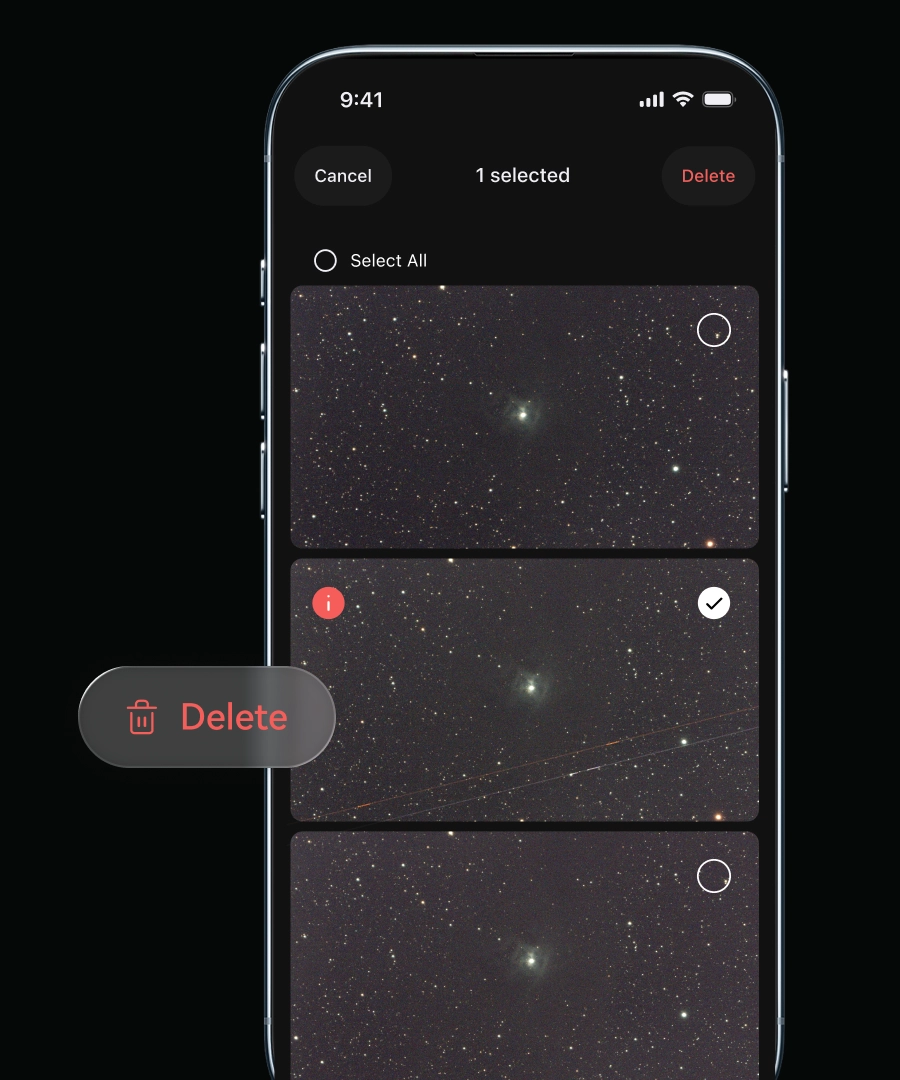
After the imaging session, you can also review individual frames, remove images affected by clouds or other interference, and restack only the clearest and most stable frames for a cleaner final result.
Yes. The Hα + O III dual-narrowband filter helps reduce the impact of background light when imaging emission nebulae.
However, darker skies will generally produce better results for galaxies, reflection nebulae, dark nebulae, the Milky Way, and other broadband targets.
Yes, but the correct ND filter must always be used.
Never point Draco at the Sun without the appropriate ND filter installed.
No. Although the sensor has a native resolution of approximately 50 MP, Draco’s current imaging modes output approximately 12 MP images.
For deep-sky imaging, Draco uses 2 × 2 pixel binning, combining native 1.2 μm pixels into effective 2.4 μm pixels to improve signal-to-noise performance.
For the Sun, Moon, and planets, Draco uses native 1 × 1 pixel readout and intelligently crops the image around the target, reducing unused black areas. The resulting output is also approximately 12 MP.
Draco supports JPG, PNG, FITS, and TIFF image output, as well as MP4 video.
JPG and PNG are suitable for quick viewing and sharing. FITS and TIFF retain more image data for advanced processing and personalized editing.
Yes. Individual FITS frames can be exported for processing with compatible third-party astrophotography software.
The exact computer connection and file-transfer workflow will be provided in the official user guide.
Yes. Draco can automatically capture and apply calibration frames, simplifying the imaging and stacking workflow.
Yes. Images captured across different sessions can be combined to increase total integration time and improve the final result.
The frames must have compatible imaging settings and cover the same target area.
No. The DWARFLAB App can handle capture, live stacking, and basic image processing.
For more advanced processing, FITS and TIFF files can be exported to compatible third-party software.
Yes. Draco can connect directly to your phone through its local wireless connection for on-site operation.
An internet connection is required for online services such as PhotonLink remote access.
PhotonLink is DWARFLAB’s official remote-control service. It allows you to operate Draco through the app from a different location and invite others to share control of the telescope.
Depending on the edition and imaging mode, you can remotely control targeting, focusing, tracking, imaging settings, filters, and the dark-frame cover.
The Standard Edition can switch its built-in ND filter into place remotely for solar imaging.
For the SHO Edition, the external ND filter must be installed on the telescope before remote solar imaging.
Yes. Draco supports wired Ethernet through a compatible USB-C Ethernet accessory.
Gigabit Ethernet has been tested. Compatibility with 2.5 Gigabit Ethernet has not been validated.
With a compatible powered adapter or hub, Draco can maintain a wired Ethernet connection while receiving continuous external power. Recommended accessory specifications will be provided separately.
Yes. Draco supports the same file-transfer methods as DWARF 3 and DWARF Mini:
You can choose either method depending on your setup.
Draco includes 128 GB of built-in storage.
No. Draco currently records imaging data to its built-in storage. Files can be exported after capture.
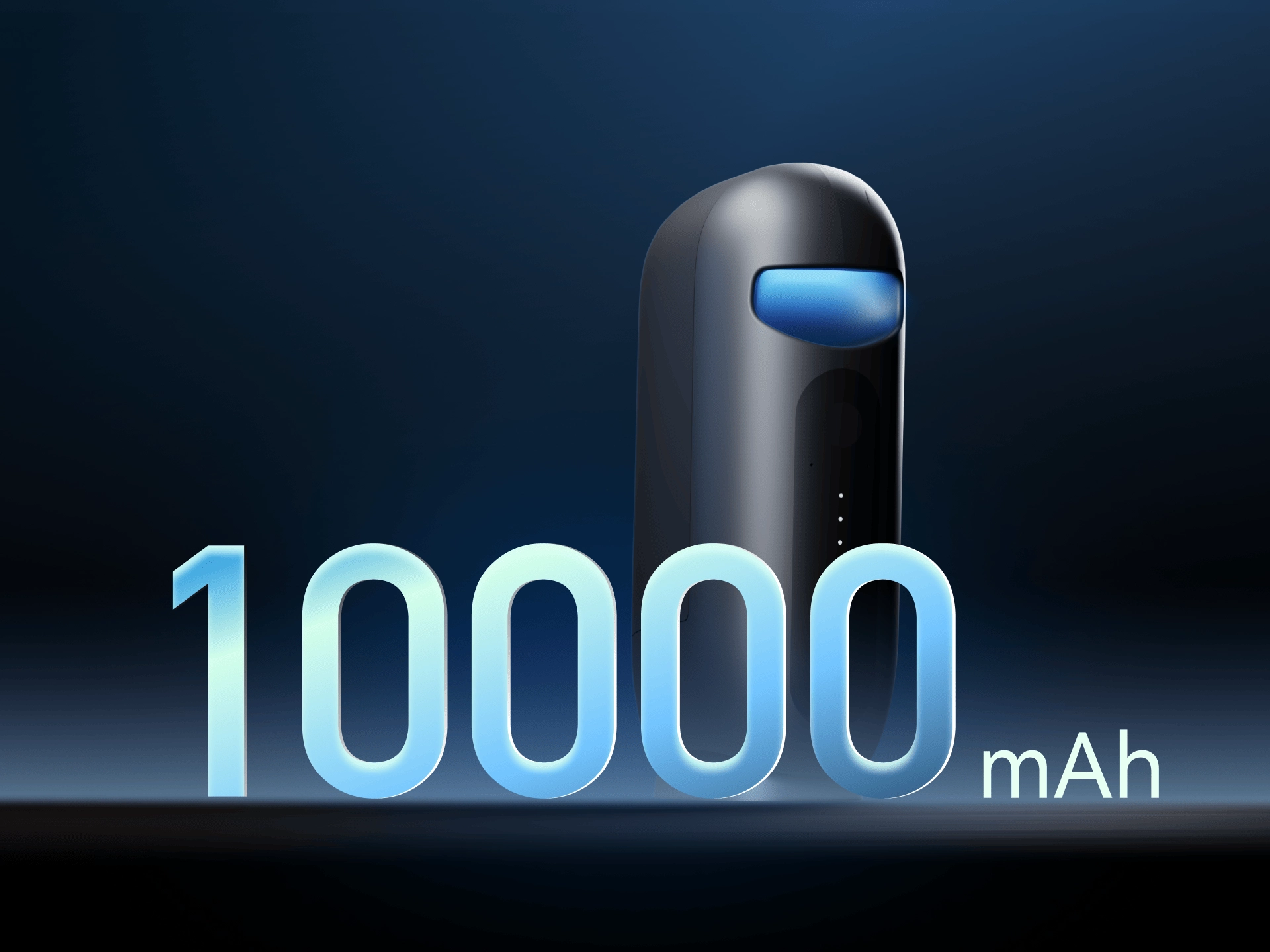
Draco has a 10,000 mAh, 7.7 V battery with a rated capacity of 77 Wh.
It provides approximately five hours of operation in Astronomy Mode. Actual battery life may vary depending on temperature, operating mode, network connection, and other conditions.
Draco’s 77 Wh battery is below the commonly applied 100 Wh threshold for passenger-carried lithium batteries.
Devices containing lithium batteries should generally be carried in cabin baggage. Airline and regional requirements may vary, so please confirm the applicable rules with your airline before travelling.
Yes. Draco provides one 3/8″-16 mounting point and two 1/4″-20 mounting points.
The tripod and mounting system must safely support Draco’s approximately 5.5 kg weight and remain stable throughout the imaging session.
Draco is IP55-rated for dust and water resistance. It is protected against limited dust ingress and low-pressure water jets, helping it remain reliable in dusty outdoor conditions and brief rain exposure.
Draco is not waterproof or submersible. Avoid prolonged exposure to heavy rain, standing water, or immersion, and make sure it is dry before storage.
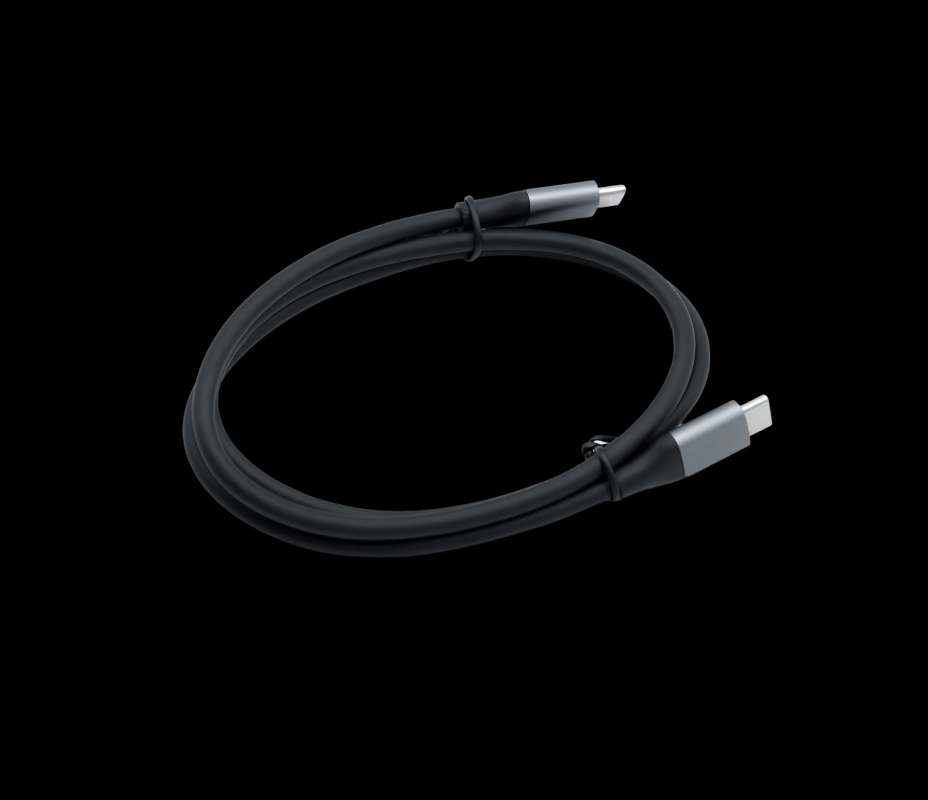
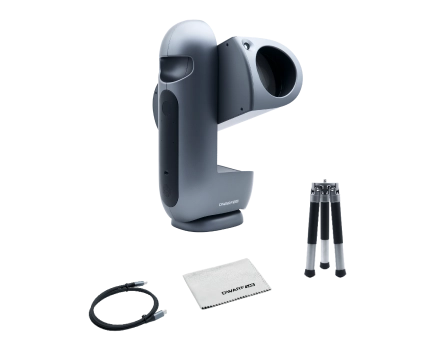
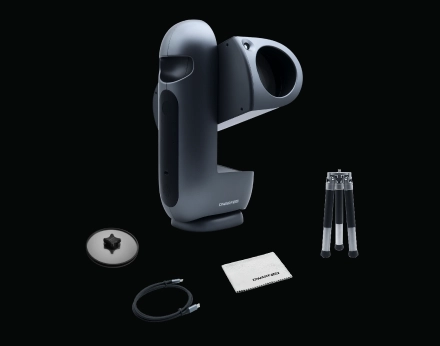
The standard package includes:
The SHO Edition also includes an external magnetic ND filter for solar imaging.
Yes. A protective carrying case is included for safe storage and transportation of Draco.
International shipping is expected to begin in early November 2026 and will proceed in phased batches.
Orders placed between September 7 and September 9 remain in our earliest fulfillment group. However, not all orders from this group will be dispatched within the original estimated two-month window. We sincerely apologize for this change and will contact affected customers directly with further updates.
Tracking information will be emailed once an order is dispatched. Please refer to our latest Shipping Policy for the most up-to-date fulfillment information.
No. Draco does not require precise manual leveling for normal Alt-Az operation. Place it on a stable surface, and its software will compensate for its orientation through coordinate transformation.
When using Equatorial Mode, follow the in-app guidance to set Draco to the required angle.
Yes. Draco supports automatic dithering between deep-sky subframes using its built-in guiding system. Dithering is available in Equatorial Mode, automated imaging, live stacking, and scheduled imaging.
Yes. Draco supports lucky imaging, automatically selecting and stacking higher-quality frames. The selection and stacking algorithms will continue to be optimized through software updates.
Draco is collimated at the factory and designed to maintain its optical alignment during normal transportation and use.
Collimation is not user-adjustable. In the unlikely event that the optical alignment is affected, please contact DWARFLAB or an authorized service provider for inspection and repair.
Draco is equipped with a thermoelectric (TEC) cooler and fan. TEC cooling is enabled by default and operates automatically, lowering the sensor temperature to approximately 5°C below ambient, depending on operating conditions. This helps reduce thermal noise during long-exposure astrophotography and provides cleaner imaging data.
Users can turn TEC cooling on or off in the app, but the cooling temperature is managed automatically and cannot be set manually.
PhotonLink currently supports remote downloading of stacked images. Remote downloading of individual subframes is planned for a future update.
Individual FITS frames can still be accessed through Draco’s supported local export workflow.
Yes. In the DWARFLAB App, select the MegaStack result from your DWARF album and upload it to Star Party. The corresponding stacked JPG and FITS files will be uploaded automatically.
No. Draco does not use the sensor’s TheiaCel HDR mode. It uses Dual Conversion Gain (DCG) HDR instead.
A temporary internet interruption will not stop an imaging session already in progress. Draco will continue tracking and imaging locally and attempt to reconnect when the network becomes available again.
If automatic reconnection fails, a manual reconnection will be required.
Yes. When the automatic power-on setting is enabled in the Draco App, Draco will turn on automatically after external power is restored. PhotonLink will then attempt to reconnect automatically.
If this setting is disabled, Draco must be turned on manually.
Yes. Draco can be restarted or shut down remotely through PhotonLink while it remains powered and connected.
Draco supports remote operation with continuous external power and a stable wired or wireless network connection.
For long-term deployment, Draco must be installed in a properly protected environment. Do not leave it exposed to rain, standing water, or other severe weather conditions.
Not currently. Both Wi-Fi STA mode and USB-C Ethernet use DHCP to obtain an IP address automatically.
The assigned IP address can be viewed and copied from App > My Devices > IP Address and used on the connection page. A network with an active DHCP server is currently required.
Draco is currently controlled through the DWARFLAB App for iOS and Android. A dedicated Windows or macOS application is not planned for 2026.
These integrations are not supported in the current release. DWARFLAB is working on external software integration, but supported platforms and release timing have not yet been announced.
No traditional equatorial mount is required for normal operation.
Draco combines built-in guiding with physical CMOS field-rotation correction, allowing long-exposure imaging in Alt-Az mode without conventional polar alignment.
However, field rotation changes very rapidly near the zenith, where correction becomes more challenging. Equatorial Mode is recommended for targets at very high elevations. Follow the in-app guidance to set Draco to the correct angle.
Yes. Draco supports external power through USB-C, with a maximum supported charging power of 36 W.




Reviews
There are no reviews yet.